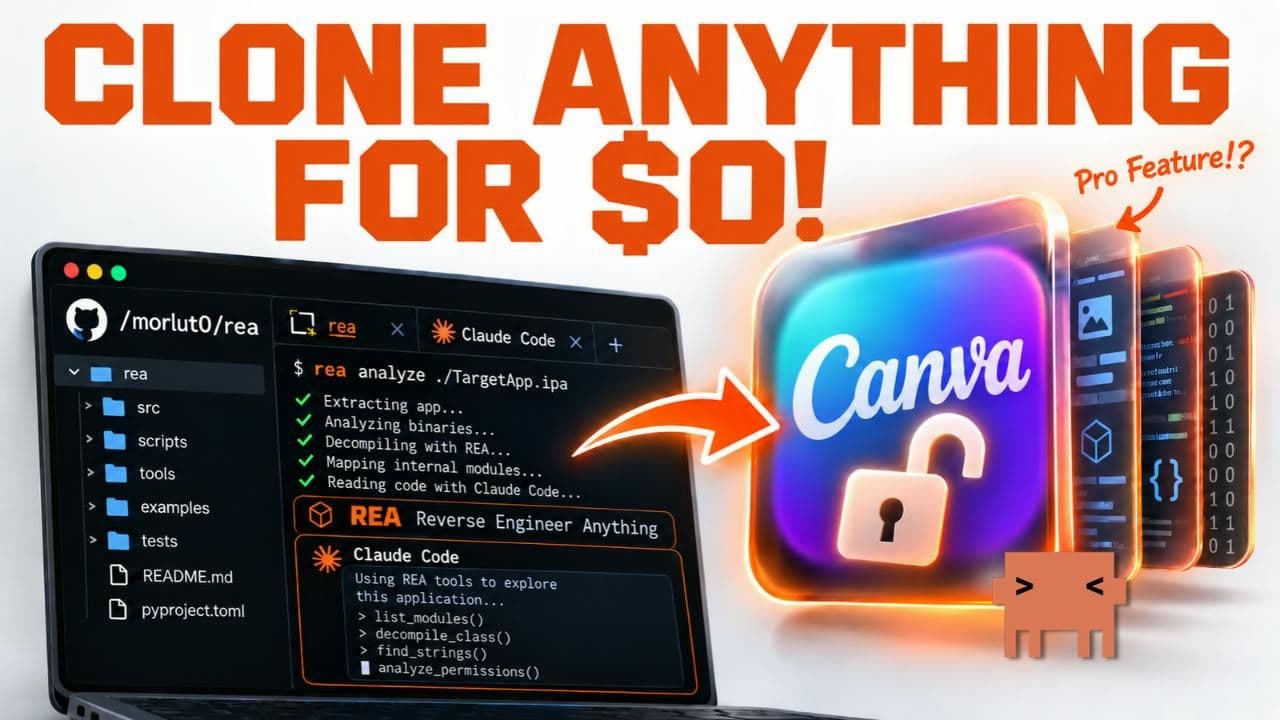
What is Clone Canva Pro’s Feature for FREE?
Clone Canva Pro's Feature for FREE is a tutorial published by AI Fire, an AI education platform that teaches professionals to build and use AI tools through guides, courses, and a community. The underlying site, aifire.co, is a learning hub rather than a standalone app: it publishes daily AI guides and tutorials, runs Academy courses and structured training, and hosts community forums, with content spanning LLMs, prompt engineering, automation workflows, vision applications, and open-source tools. AI Fire says it serves more than 75,000 professionals, including people from companies like Google, Meta, Microsoft, and Tesla. This particular listing is the walkthrough showing how to recreate a Canva Pro design capability for free, which fits the platform's practical, how-to focus. Because the homepage is the education hub and not the tutorial's own product page, the specific steps of the Canva workaround are not detailed here; what is verifiable is the platform it lives on. There is a free content tier alongside a premium AI Academy membership and a lower-cost Spark tier, though exact prices are not listed on the homepage. On BestAIFor this sits with the AI education resources that teach skills and workflows rather than tools you run yourself. Treat it as a learning resource for design and AI productivity rather than a software product.
What is Clone Canva Pro’s Feature for FREE used for?
Learning AI skills and design workflow tutorials, including how to recreate a Canva Pro feature for free
How much does Clone Canva Pro’s Feature for FREE cost?
Free
Free content tier available; premium AI Academy and lower-cost Spark memberships offered
Pros and cons
Pros
- Published on AI Fire, an established AI education platform with 75,000+ professional members
- Free content tier alongside daily guides and structured Academy courses
- Covers practical topics including prompt engineering, automation, and design workflows
- Community forums for discussion and collaboration
Cons
- It is a tutorial on a learning hub, not a standalone software tool you can run
- The specific Canva workaround steps are not shown on the homepage
- Exact membership pricing for the Academy and Spark tiers is not published on the homepage
Questions about Clone Canva Pro’s Feature for FREE
What is Clone Canva Pro's Feature for FREE?
It is a tutorial on AI Fire, an AI education platform, that walks through how to recreate a Canva Pro design feature without paying for it. It is a learning resource rather than a software product, hosted on a hub that publishes AI guides, courses, and community content.
What is AI Fire used for?
AI Fire is used to learn AI skills through daily guides, Academy courses, and community forums. Its content covers LLMs, prompt engineering, automation, vision applications, and open-source tools, aimed at professionals who want practical AI and productivity training.
Is AI Fire free?
AI Fire has a free content tier with guides and tutorials. It also offers a premium AI Academy membership and a lower-cost Spark tier, but exact prices are not shown on the homepage.
Does this tutorial replace Canva Pro?
The tutorial shows how to recreate a single Canva Pro feature for free; it is a how-to walkthrough, not a full design app. For broader design work you would still use a tool like Canva or a free alternative such as Photopea.
What are the best alternatives to Clone Canva Pro’s Feature for FREE?
Reviews
Sign in to rate and review Clone Canva Pro’s Feature for FREE.
Sign in to reviewNo reviews yet. Be the first to review Clone Canva Pro’s Feature for FREE!