 BestAIFor
ChatGPT vs DeepSeek: Which Free AI for Beginners is Smarter?
ChatGPT and DeepSeek are two leading free AIs for beginners. This guide compares their features, writing skills, and ease of use to help you choose.
January 20, 2026•8 min read

AI video generators in 2026 are tools that turn text, images, or simple storyboards into finished video automating much of what used to require cameras, actors, and editors. They now cover everything from photoreal scenes and talking-head explainers to looping social clips and B-roll. The big shift versus earlier years is that outputs are often good enough to sit next to “real” video for many channels.
AI video generators are software tools that use generative models to create video from text prompts, images, or structured inputs reducing or replacing traditional filming and manual editing.
For creators and marketers, the opportunity isn’t “make everything with AI.” It’s identifying the 60–80% of content where AI video is good enough (or even better: faster, cheaper, more testable) and redirecting time and budget to the 20–40% that truly needs a human shoot.
Every AI video tool sits somewhere on this triangle:
You can usually get two at a time-rarely all three at the highest level:
If you feel disappointed by AI video, it’s often because you picked a tool optimized for the wrong corner of this triangle.
Instead of memorizing tool names, focus on types. The three main categories:
These tools turn dense prompts, images, or reference clips into cinematic shots. They’re designed for short clips and visuals where “film-like” output matters. A well-known example is Runway.
Best for
What most people miss: these tools reward storyboarding. Don’t paste your ad copy as a single prompt. Break the idea into shots, then generate per shot.
These platforms generate presenter videos where an AI avatar delivers your script. They’re built for repeatability, localization, and consistency. A popular example is Synthesia.
Best for
What most people miss: outcomes depend more on script structure than avatar realism. Short paragraphs, clean line breaks, and on-screen cues (bullets, callouts) matter more than micro-expressions.
These tools focus on short, punchy clips for TikTok, Reels, and Shorts often optimized for iteration speed. One example is Pika.
Best for
What most people miss: the real power is iteration speed. Generate lots of variants and kill most of them don’t chase one “perfect” clip.
Now map the common scenarios:
Choose hyper-realistic text-to-video if:
Look for:
Choose avatar or social clip tools if:
Look for:
Prioritize:
In practice, “control” often means combining generation + editing rather than forcing one platform to do everything.
| Type | Realism | Speed to first draft | Level of control | Best for |
|---|---|---|---|---|
| Hyper-real text-to-video | Highest | Medium | Medium–High (per shot) | Cinematic ads, trailers, visual concepts |
| Avatar & studio generators | Medium | Fast | High for format, lower for shots | Explainers, training, localization |
| Fast social clip tools | Stylized/varies | Very fast | Low–Medium | Short-form social, teasers, memes |
How to use this table: pick the row that matches your primary use case, then accept its weaknesses. Forcing an avatar tool to produce cinematic B-roll or a social clip tool to handle long-form training usually wastes time.
| Question | Yes/No |
|---|---|
| Does this tool match my primary channel (ads, social, training)? | |
| Is it optimized for my priority: realism, speed, or control? | |
| Can I test it with a free or low-cost trial before annual plans? | |
| Does it support my aspect ratios (9:16, 1:1, 16:9)? | |
| Can I easily export assets to my existing editor if needed? | |
| Are brand kits (colors, fonts, logos) supported or easy to apply? | |
| Does it fit my team’s skills (non-technical vs pro editors)? | |
| Are there clear usage rights for commercial campaigns? |
If you can’t confidently answer “yes” to at least half, keep your options open and test more tools before standardizing.
Avoid (or limit) AI video generators when:
In these cases, use AI as an augmenter, not a replacement: storyboard concepts, generate background elements, and keep human judgment and conventional production in the lead.
Choosing the right AI video generators in 2026 is less about chasing the “best” model and more about matching tool type to use case: hyper-realistic engines for hero shots, avatar studios for repeat explainers, and fast clip tools for social. Once you’re clear on whether you value realism, speed, or control most, the right shortlist becomes obvious and your tests become meaningful instead of random.
AI video generators are tools that use generative models to create video from text prompts, images, or structured inputs automating camera work, acting, and much of the editing. They can output anything from avatar explainers to cinematic B-roll depending on the model type.
For realism, look for hyper-realistic text-to-video engines: they support detailed prompts about scenes, movement, and lighting. They’re slower and more demanding than avatar or lightweight social tools, but outputs can sit closer to live-action footage.
Not overall. They’re better suited to repeat explainers, training modules, and localized content. If you need authenticity, emotional nuance, or high-impact storytelling, a well-planned live shoot still wins.
Avatar and social clips can often render in minutes, while hyper-realistic clips may take longer and require multiple iterations. Plan to spend more time on scripting, prompting, and review than on raw render time.
Avoid relying on AI video when credibility, regulation, or authenticity are critical such as investor updates, legal topics, or sensitive internal comms. In those cases, use AI sparingly (storyboards, background elements) and keep real humans in the lead role.
Not fully. They can reduce manual editing for simple projects, but for complex narratives and precise timing, human editors or AI-assisted editors still add major value by shaping the final story and polish.
ChatGPT and DeepSeek are two leading free AIs for beginners. This guide compares their features, writing skills, and ease of use to help you choose.

Master advanced prompting techniques 2026 like Chain-of-Thought and Self-Ask to get better results from ChatGPT, Grok, and Gemini.

An accessible overview of the history of artificial intelligence, from early theoretical ideas to modern deep learning.
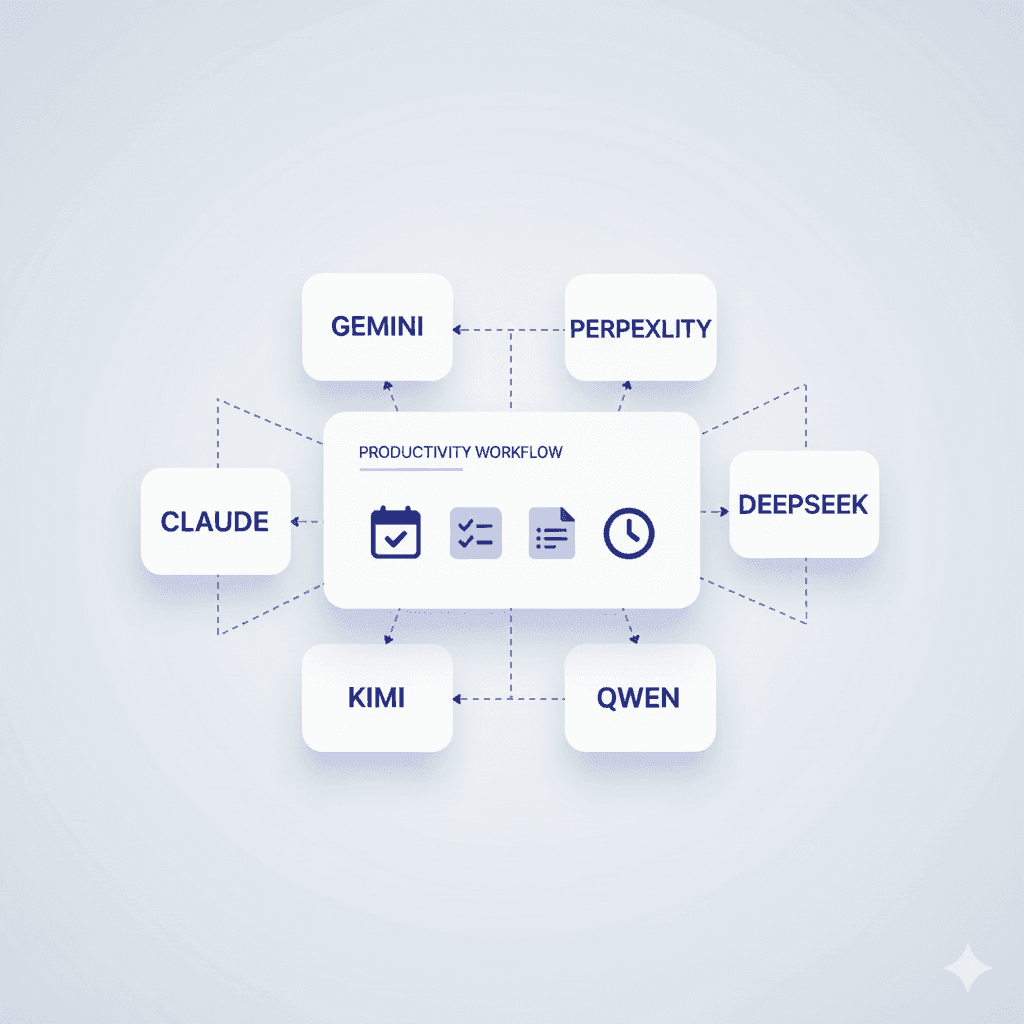
Discover the most powerful AI productivity tools for 2026, including Gemini, Claude, and top emerging alternatives.
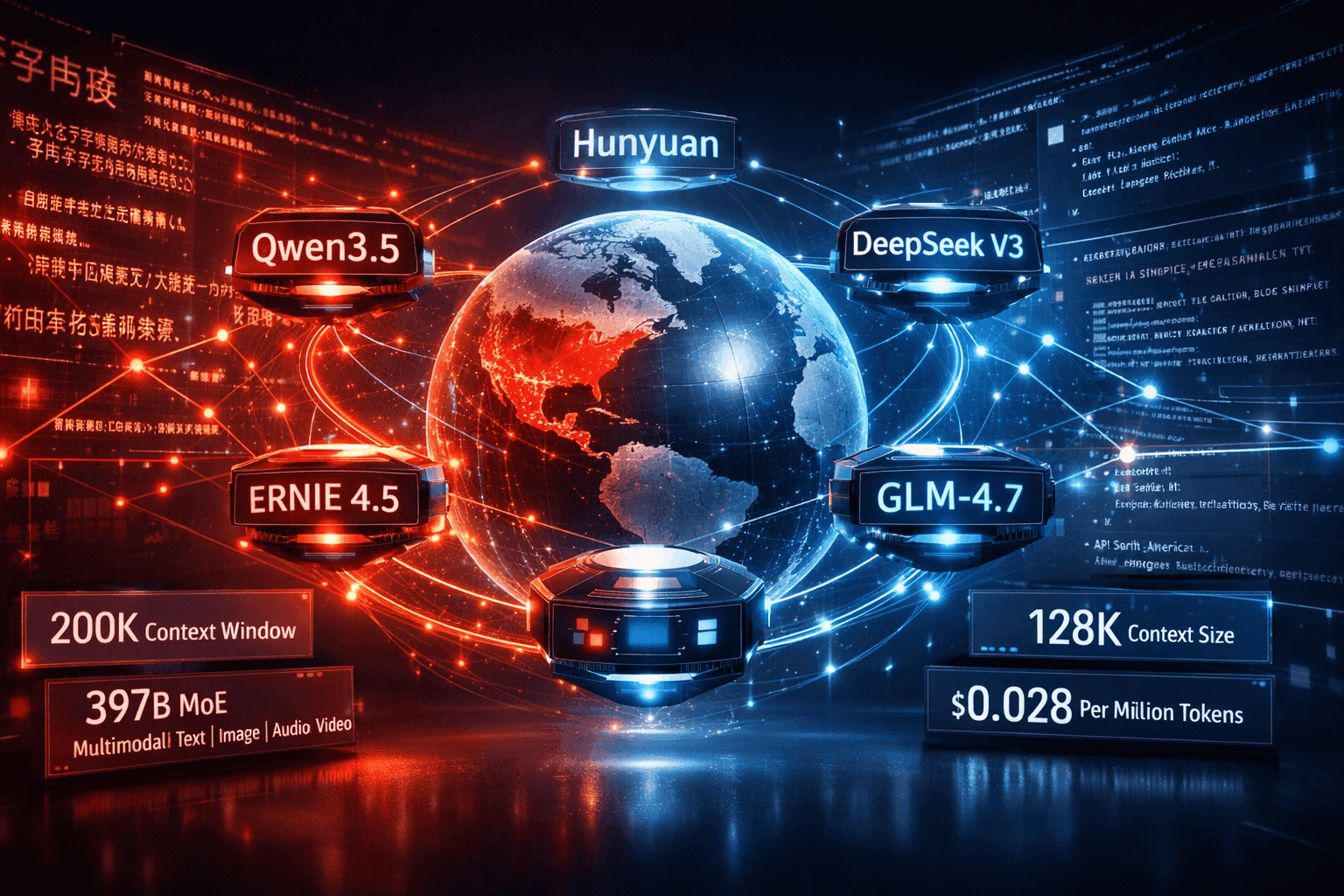
China LLMs 2026: Qwen vs DeepSeek vs ERNIE vs Hunyuan Compared

Machine learning vs deep learning explained with clear differences, real world use cases, and guidance for beginners and professionals

Stop collecting AI tools. Start building a system that works like a fractional employee-automate smarter, not harder.

Explore 12 hands-on AI for Students hacks in 2026—from flashcard tutors to auto-lit reviews—to boost focus, save time, and learn smarter
Muck Rack's 2026 journalism survey found 82% of journalists use AI, up from 77%. But concern about unchecked AI rose 8 points to 26%. Here is what the numbers mean for editorial teams.

The News/Media Alliance signed a 50/50 AI licensing deal with Bria covering 2,200 publishers on enterprise RAG queries. The split sounds equitable. Bria controls the attribution algorithm.

The Dallas Fed's February 2026 analysis shows entry-level positions fell 16% in top AI-exposed industries while experienced workers' wages rose 16.7%. The split is structural, not temporary.

ARC-AGI-3 launched March 26, 2026. Every frontier model scored below 1%: Gemini 3.1 Pro Preview led at 0.37%, GPT-5.4 at 0.26%. Here’s what the interactive agentic benchmark reveals about current AI reasoning limits.
Newsquest runs up to 30 AI-drafted stories a day via 30 AI-assisted reporters. Reuters Institute: 67% of publishers haven't saved jobs from AI yet. Here's what the workflow actually looks like.

Most AI users are still doing prompt engineering in 2026. Context engineering — feeding the right information at the right time — is the upgrade your workflow needs. Two copy-paste patterns included.

The early-user problem in B2B SaaS is solved by manual work, direct relationships, and ruthless prioritization — not marketing funnels or growth hacks. The tactics are well-documented and consistently replicated....

Tech firms blamed 47.9% of 78,557 Q1 2026 layoffs on AI. An NBER survey of roughly 6,000 executives found 90% reported no workforce impact. The gap matters, and this piece explains why.

A beginner-friendly look at how AI may reshape work, health, education, and governance from 2026 to 2031

AI Model Benchmarking: What Claude Sonnet 4.6's Token Surge Reveals

EU Commission missed its February 2026 AI Act guidance deadline. EU Council now proposes pushing high-risk AI enforcement to December 2027. Only 8 of 27 member states have enforcement authorities in place.

Z.ai’s GLM-5 scores 77.8% on SWE-bench Verified and 62.0 on BrowseComp, nearly doubling Claude Opus 4.5’s 37.0. First open-weights model above 50 on the Artificial Analysis Intelligence Index.

EU Digital Omnibus removes mandatory risk assessments for high-risk AI — including hiring tools — and delays August 2026 compliance with no fixed date. Amnesty calls it an unprecedented rollback of EU digital rights.

Three Chinese LLMs — DeepSeek-V3, Qwen2.5-Coder, and Kimi k1.5 — have each made distinct training bets, and the benchmark divergence is now large enough to matter when selecting a model for production. Coding...

Frontier model benchmark scores climbed between 8 and 45 percentage points across MMLU, SWE-bench, and ARC-AGI over the past 12 months. Workflow impact is real but concentrated — reasoning tasks and agentic code...

SWE-bench scores for top coding agents now clear 70%. Inside Databricks' production codebase—millions of lines spanning distributed systems, Scala runtime code, and internal APIs built over a decade—those numbers...

AI-generated disinformation is hitting journalism at its most economically fragile moment in decades. The documented damage — contracting newsrooms, collapsing audience trust, synthetic content that outpaces...
![Elastic Attention Cores for Scalable Vision Transformers [R] image](/_next/image?url=https%3A%2F%2Fbestaifor.s3.eu-west-1.amazonaws.com%2Felastic_attention_cores_for_scalable_vision_transf_featured_7a30bc1faf.jpg&w=3840&q=75)
This paper introduces VECA (Visual Elastic Core Attention), a vision transformer that eliminates direct patch-to-patch attention entirely, replacing it with a fixed set of learned core tokens that mediate all...

memoket-kite is an open-source long-term memory engine for AI agents that eliminates the embedding stack entirely and reports state-of-the-art results on the LoCoMo benchmark. The case against vector-based memory at...