 BestAIFor
DoNotPay A Revolution in Legal Tech
DoNotPay popularized the idea of a robot lawyer for everyday problems like tickets, refunds, and forms.
January 28, 2026•3 min read
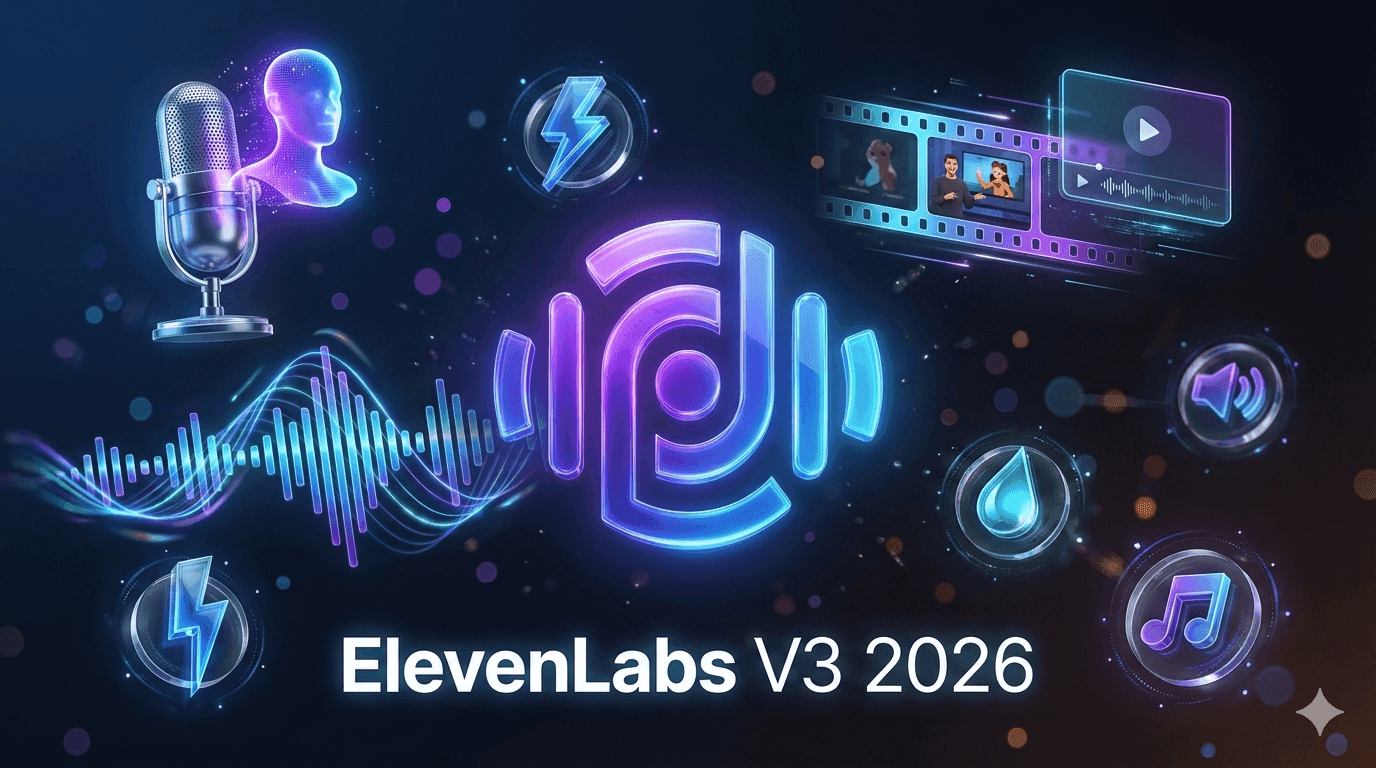
AI voice tools in 2026 are no longer a niche add-on. They are becoming a core layer in how scripts turn into podcasts, videos, product tutorials, and voice-first UX inside apps. Instead of treating audio as a final export, creators and teams design voice-first experiences, then rely on AI for generation, localization, and iteration.
Advanced engines like Eleven v3 are a big reason this feels practical at scale, because they make it easier to produce natural-sounding speech with consistent style across projects. For reference, see the product overview: Eleven v3.
AI voice tools are platforms that turn text, scripts, or user interactions into lifelike speech, localized audio, or fully produced voice experiences. Most modern stacks include:
The difference versus older text-to-speech is operational: these tools support repeatable production and brand voice consistency across channels.
Many people still picture AI voice as flat narration. That model is outdated. What matters now:
The practical implication is simple: design the experience first (story arc, learning journey, product flow), then use AI to compress production time.
Creators use AI voice tools to:
A typical workflow:
For this use case, editing UX and project management often matter more than raw model controls.
Localization can turn into a revenue lever rather than a cost center. Teams use voice cloning and dubbing AI to:
A typical workflow:
Automated translation alone is rarely enough. The teams that win blend AI speed with human review.
Voice UX has moved from novelty to real feature:
Here, latency, reliability, and API quality usually matter more than UI polish.
If you are building, start by reviewing vendor developer docs and integration patterns: ElevenLabs documentation.
Eleven v3 represents the kind of capability jump many teams now treat as a baseline: more natural speech, stronger multilingual performance, and more controllable style. Strategically, this shifts many teams from "AI as a backup narrator" to "AI as default, humans as premium."
That can unlock:
There is no single "best AI voice tool." Choose by workflow type:
| Tool type | Primary use case | Strengths | Limitations | Best for |
|---|---|---|---|---|
| Script-to-voice studio | Narration, podcasts, explainers | Fast editing, project view, multi-voice production | Less focus on real-time and developer controls | Solo creators, content teams |
| Video-focused dubbing platform | Multilingual video and dubbing | Timeline sync, subtitle alignment, batch exports | Overkill for audio-only | YouTube, courses, marketing teams |
| Low-latency voice API | Apps, games, assistants | Flexible integration, streaming output | Requires developer time, minimal UI | Product teams, developers |
| Voice cloning service | Branded voices, characters | Consistent identity across assets | Consent and legal risk, stricter governance needed | Brands, IP holders |
| Full-stack audio suite | End-to-end operations | Scripting to dubbing to analytics in one place | Can add complexity and lock-in | Growing teams |
Reverse-engineer your needs: start with constraints (speed, languages, latency, governance), then pick the tool type.
Sometimes AI voice is the wrong choice:
In these cases, AI can still help with drafts and rough cuts, but humans often win on final delivery.
| Step | Question to answer | Status |
|---|---|---|
| Goals defined | What metric should voice improve (watch time, completion, CSAT)? | ☐ |
| Use cases scoped | Are we starting with 1 to 2 flows, not everything? | ☐ |
| Tool type selected | Studio, dubbing platform, or API? | ☐ |
| Rights and consent clarified | Do we have written consent for any cloning? | ☐ |
| Brand voice guidelines updated | Tone, pacing, and language per market defined? | ☐ |
| Human review process defined | Who signs off on sensitive or localized content? | ☐ |
| Security and compliance reviewed | Does the vendor meet data and audit needs? | ☐ |
| Pilot and rollout plan created | How do we test, learn, then scale? | ☐ |
For governance, use vendor safety and misuse policies as a baseline, then add your own internal rules: ElevenLabs safety principles.
AI voice tools in 2026 make it realistic for small teams to operate like global studios, but the winners are the ones who match tool types to workflows, protect rights and brand voice, and keep humans in the loop where nuance matters.
1. What are AI voice tools used for in 2026?
They turn scripts, text, and interactions into natural-sounding speech for content, localization, and product UX.
2. How is Eleven v3 different from older voice models?
It reflects a newer baseline: more natural prosody, stronger multilingual output, and more controllable style for consistent long-form production.
3. Is AI voice cloning legal and ethical?
It can be, but only with explicit consent and clear written terms that define ownership, allowed uses, and restrictions.
4. Will dubbing AI replace human voice actors?
AI will take more straightforward narration and fast localization. Humans will remain critical for premium campaigns, trust-heavy contexts, and complex acting.
5. How should a small team choose between AI voice tools?
Map your top workflows first, then pick the tool type that fits those flows. Run a pilot with real content before committing.
6. Do AI audio tools work offline or on-premise?
Many are cloud-first. Some vendors offer private or enterprise options. If you handle sensitive data, include deployment model and data controls in evaluation.
DoNotPay popularized the idea of a robot lawyer for everyday problems like tickets, refunds, and forms.
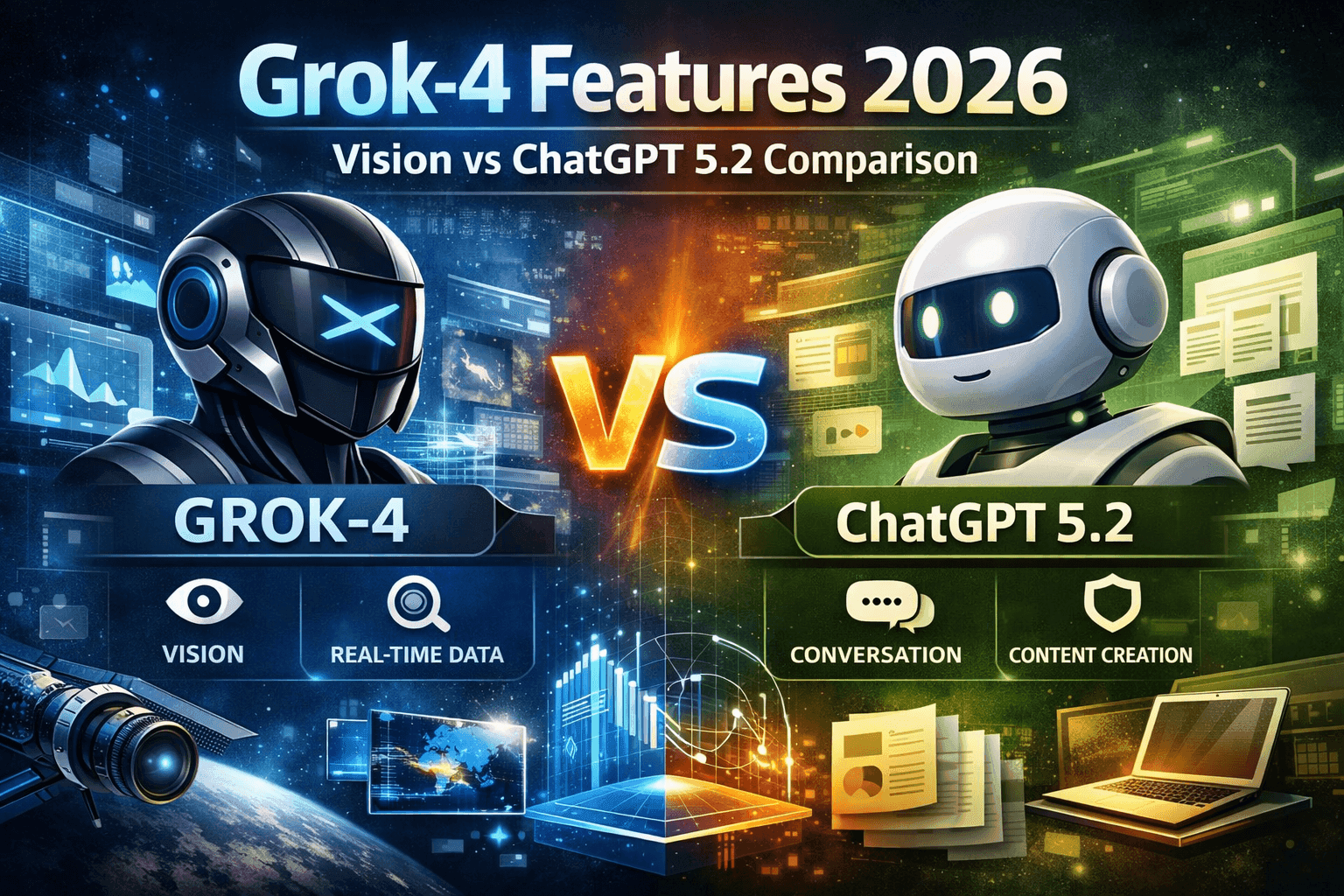
Deep dive compares Grok-4 and ChatGPT 5.2, highlighting their strengths, use cases, and differences.

Meta prompting and step-back prompting allow AI models to collaborate, boosting reasoning and reliability in complex tasks

Google Cloud now offers free access to advanced AI tools like Imagen, Speech-to-Text, enabling rich research and coding applications

China Open Source LLMs: DeepSeek, Qwen & GLM Licensing Guide 2026
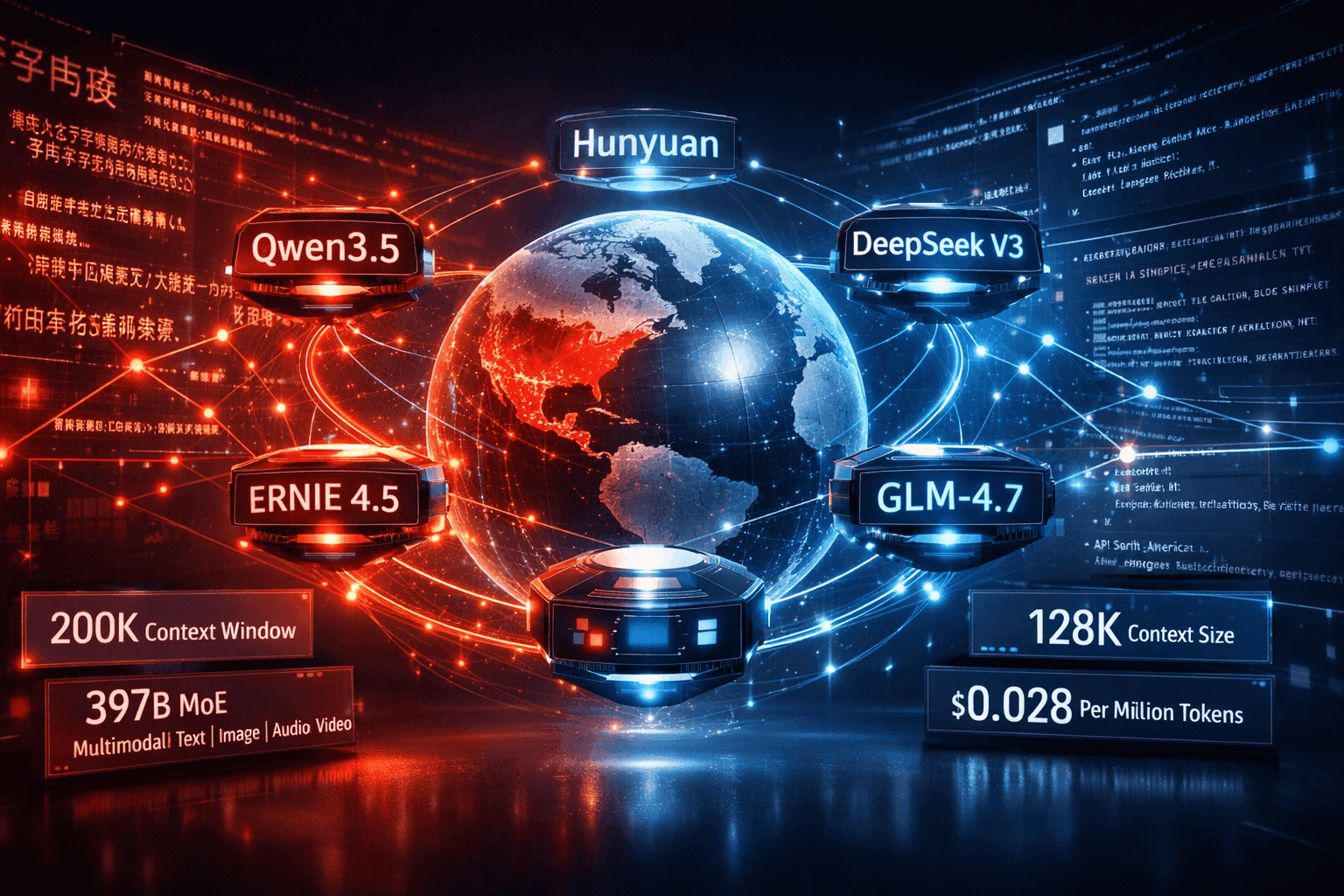
China LLMs 2026: Qwen vs DeepSeek vs ERNIE vs Hunyuan Compared

Stop collecting AI tools. Start building a system that works like a fractional employee-automate smarter, not harder.
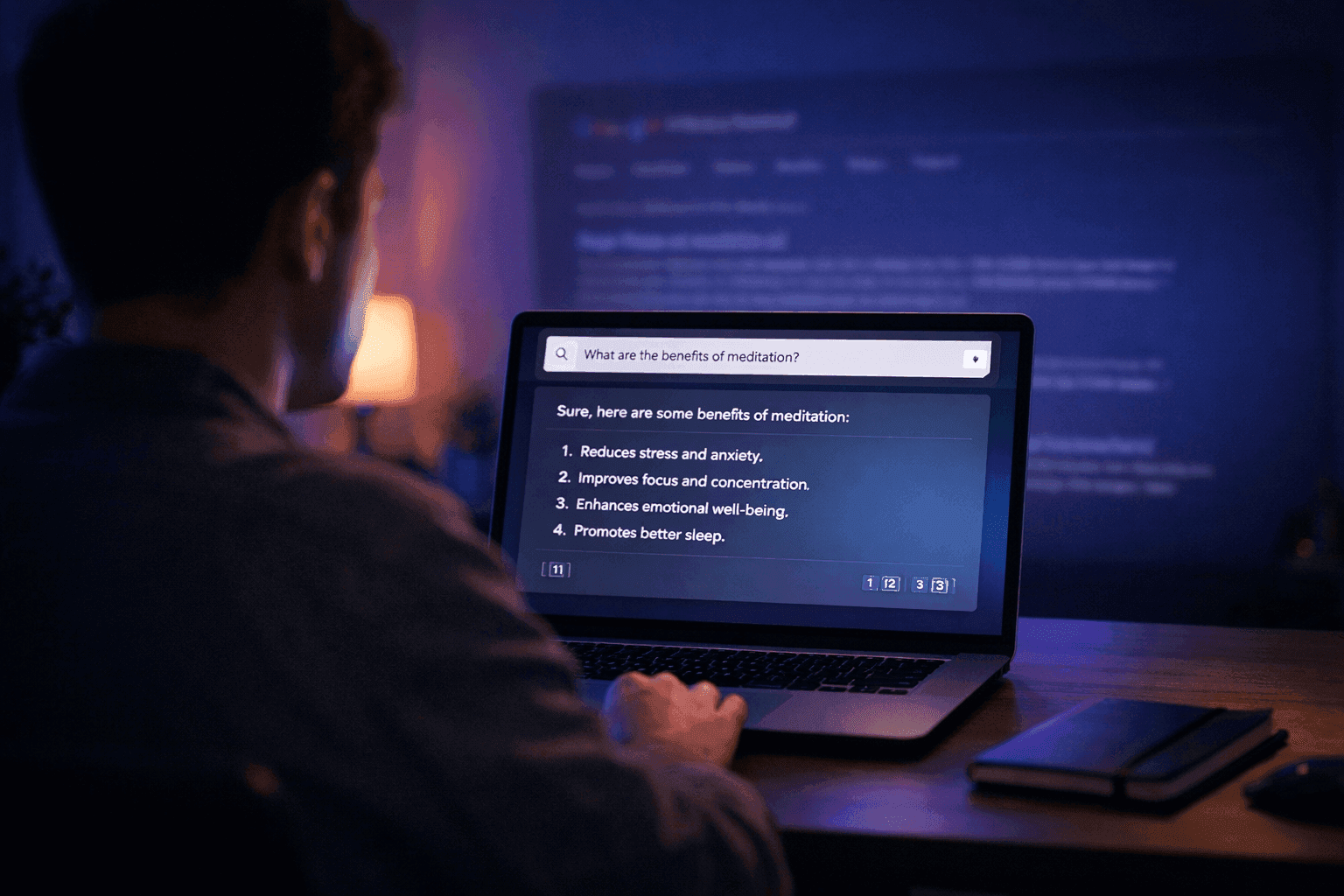
How to Use Perplexity AI: The Beginner's Guide (2026)

The Best AI Tools to Run a One-Person Business in 2026 (No Staff, No Code)

Muck Rack's 2026 journalism survey found 82% of journalists use AI, up from 77%. But concern about unchecked AI rose 8 points to 26%. Here is what the numbers mean for editorial teams.

GPT-5.4 shipped March 5, 2026 with native computer use, scoring 75% on real desktop tasks vs. 72.4% human baseline. Most people will prompt it like a chatbot. Here is how to actually get results.

WordPress.com added write access for AI agents in March 2026. After two weeks testing it for editorial drafts, it saves time on the parts you'd expect — and falls apart where it matters most.
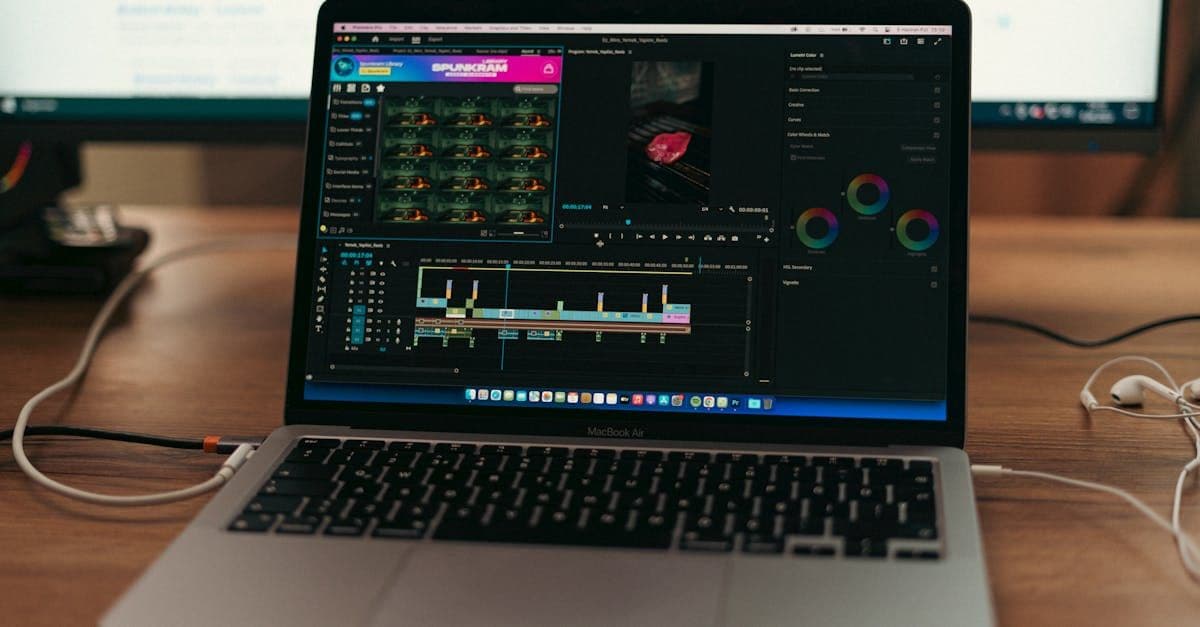
Google released two AI memory migration tools on March 26, 2026 that let you move your ChatGPT or Claude context into Gemini as persistent memory. Here’s the workflow, the copy-paste prompt, and when to skip it.

Most AI users are still doing prompt engineering in 2026. Context engineering — feeding the right information at the right time — is the upgrade your workflow needs. Two copy-paste patterns included.

The early-user problem in B2B SaaS is solved by manual work, direct relationships, and ruthless prioritization — not marketing funnels or growth hacks. The tactics are well-documented and consistently replicated....

This report's twelve most important findings, ordered by importance to a solo or small-firm reader. Each is a standalone observation; the body of the report supports each in detail.

BestAIFor Research Report — version 1.0, 11 May 2026

We evaluated 15 AI tools for property managers in 2026 — only 4 publish a price you can act on without a sales call, and one is under active U.S. antitrust litigation. Download the full report.
We hand-curated and compared 15 AI tools for property managers in 2026 across leasing, maintenance, short-term rental, and all-in-one platforms — with verified pricing, the AI-in-entry-tier check, and honest pros and cons.

*By Daniele Antoniani · Last updated May 2026*
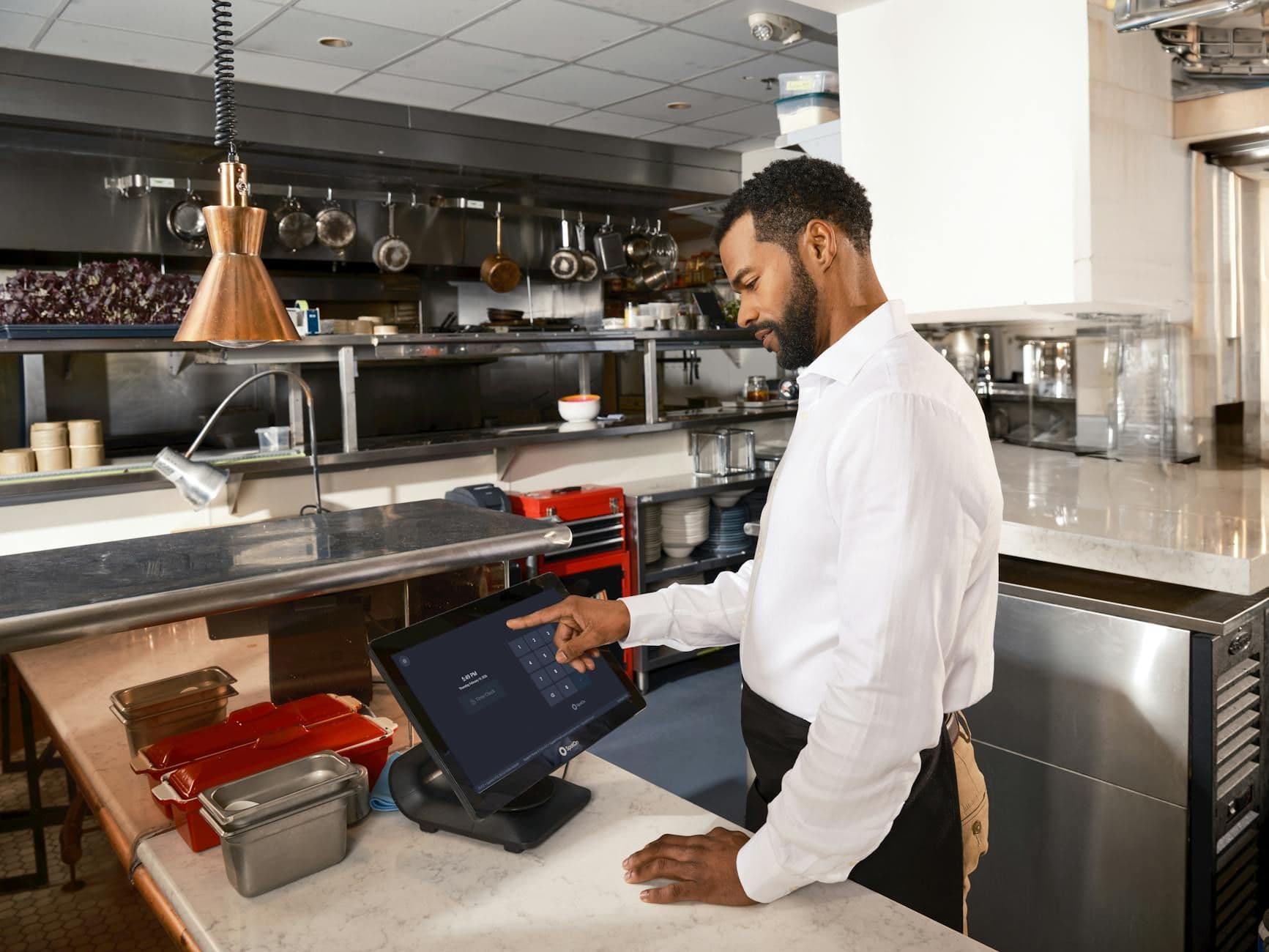
Restaurant operators face a specific kind of software sprawl problem. There's a POS for transactions, a separate scheduling tool for labor, a third platform for online ordering, and a fourth for reservations — and none of them talk to each other...

Real-time translation hardware used to be a curiosity — a crowdfunded earbud that half-worked on a good Wi-Fi day. In 2026 it's a real category, and the prices now run from about $23 to $699. We looked at 11 devices: 9 wearable earbuds and 2...

A typical small-animal vet writes SOAP notes for two to three hours of every clinical day. That's the bottleneck the AI vendors are aiming at — and in the last twelve months, the wedge has widened from a single category (the scribe) to five: AI...

A home robot is a piece of capital equipment that runs every day, breaks in ways you can't easily fix, and quietly maps the inside of your house. That's the frame I'd start with, not the spec sheet. The interesting question in 2026 isn't...
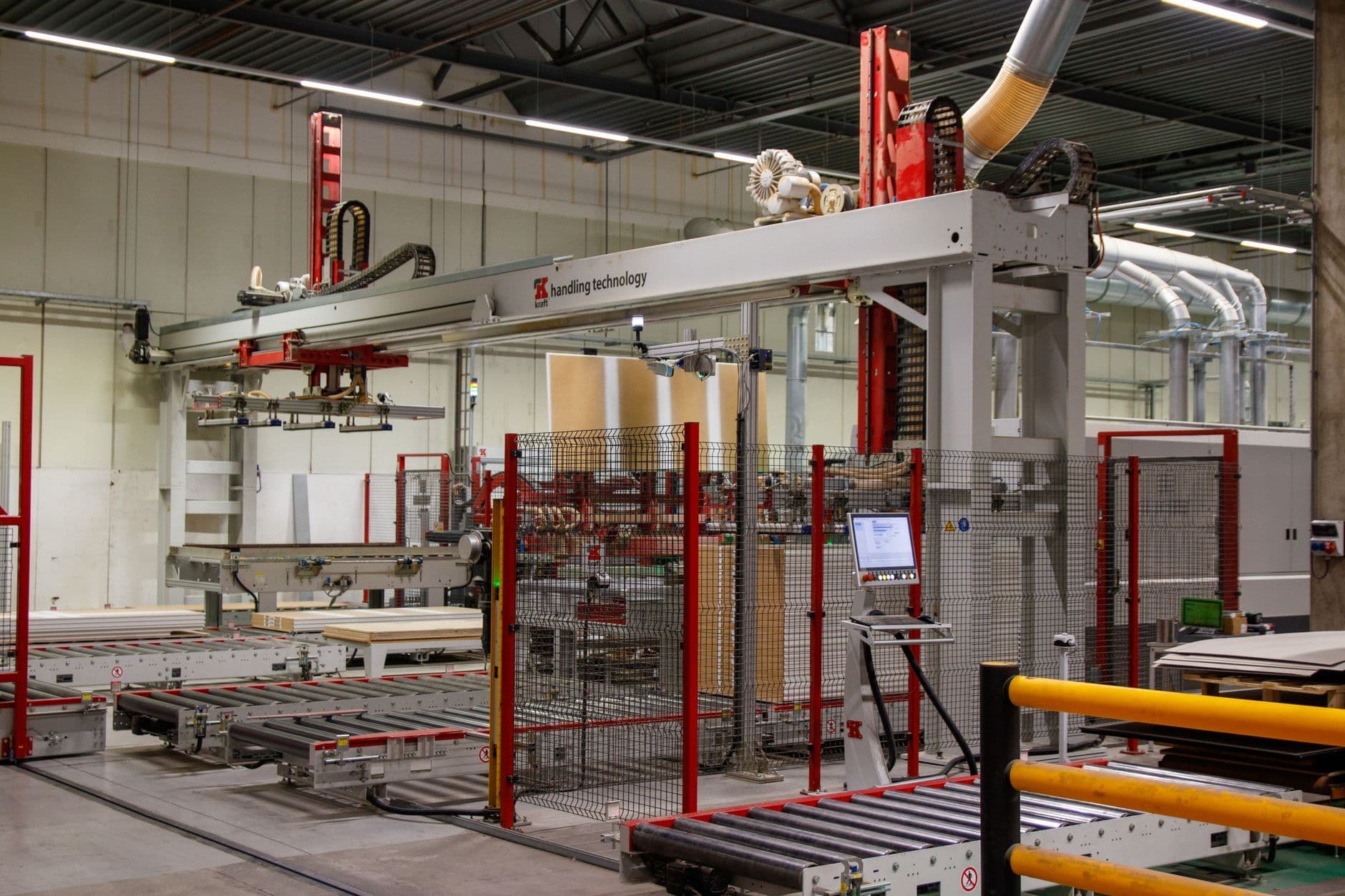
The 15 Asian AI×IoT vendors that matter for edge manufacturing in 2026, mapped by stack layer, pricing reality, and the operator's job each one solves.

The two platforms in this category that market hardest on artificial intelligence have no independent reviews at all.

Here's something odd about this market. A single click on "endpoint management software" costs an advertiser $371.37. That's not a typo, and it's not an outlier — "PSA software" runs $153.74 and "help desk software" $120.24. For comparison, we...

An investor managing 12 active SaaS portfolio companies surfaced a question circulating in startup communities: how do you track competitors at scale without a full-time analyst at every company? The tooling to solve...
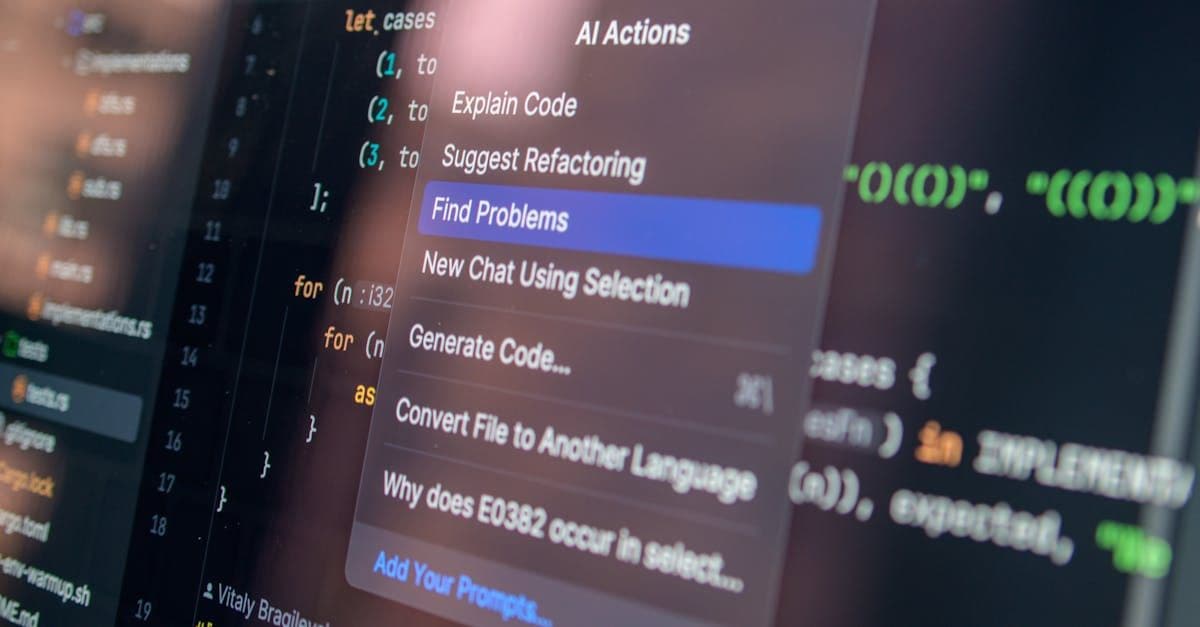
Combining multiple AI coding tools into a unified workflow is delivering measurable productivity gains for developers who get the configuration right. The efficiency argument is real — but the integration overhead is...