 BestAIFor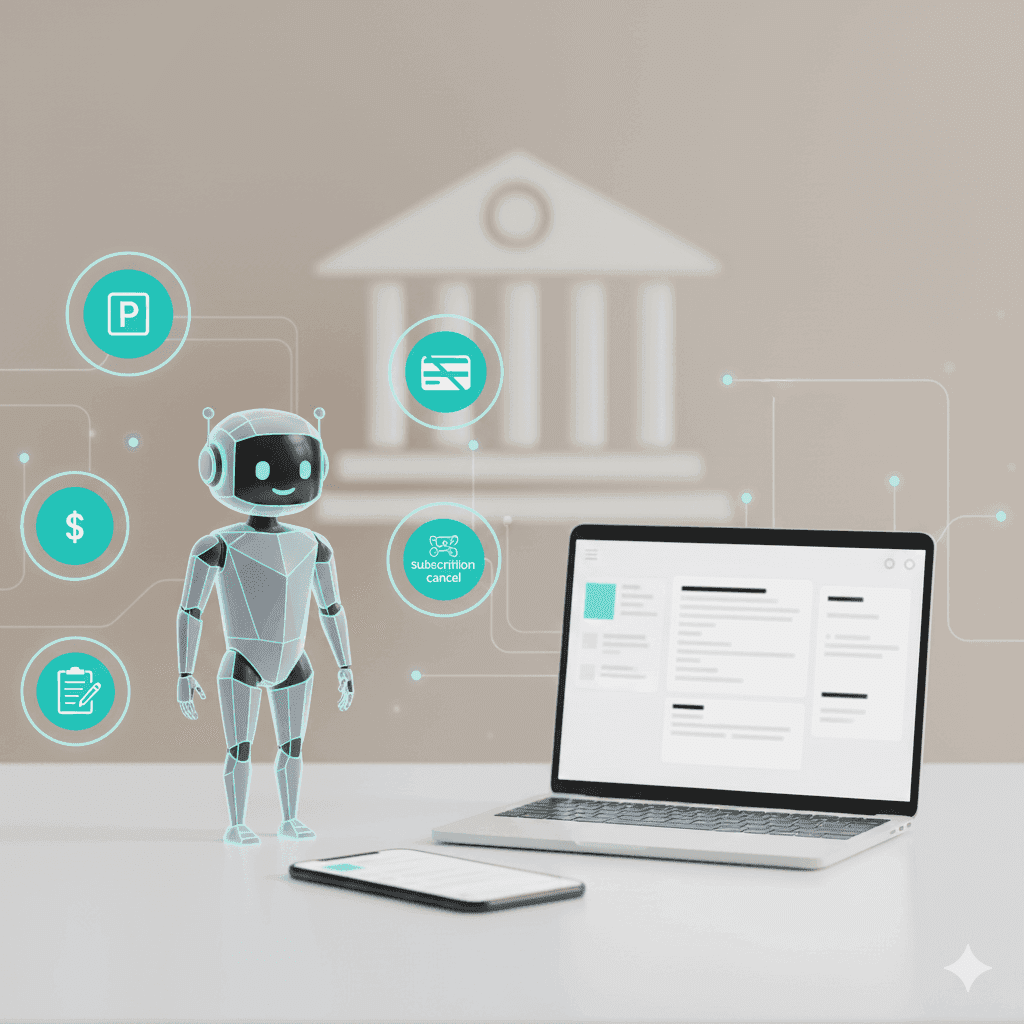
DoNotPay A Revolution in Legal Tech
DoNotPay popularized the idea of a robot lawyer for everyday problems like tickets, refunds, and forms.
January 28, 2026•3 min read

How far Google’s free AI actually gets you If you are a founder or developer trying to build on free AI tools from Google in 2026, you can get surprisingly far: prompt and workflow iteration in Gemini and AI Studio, plus a meaningful runway using Google Cloud’s Free Trial and always-free quotas. Start here: Google Cloud Free Program.
The trade-off is simple: you must design for limits. Free tiers are great for prototypes and low-volume MVPs, but they are not a “set it and forget it” production plan.
Google does not offer one universal “free AI plan.” Instead, you typically combine:
A practical way to think about it:
Google Cloud’s free program has two pillars:
Free Trial (welcome credit window)
New customers receive a welcome credit to spend over a limited time window. During this period you are not billed, but you typically must provide a valid payment method for verification.
Free Tier (always-free monthly usage caps)
After (and during) the trial, select products have monthly free usage limits. These caps are calculated per billing account and do not roll over. Also, the Free Tier can change over time, so you should re-check limits before committing an architecture.
Founder reality check: most “surprise bills” are not from the model call itself. They come from the supporting services you forgot to budget for (storage, egress, logging, and retries).
If you are building fast, Gemini is usually your first stop:
Start with the official pricing reference here: Gemini API pricing.
For some Gemini API free usage, content may be used to improve products. Paid tiers and enterprise offerings typically provide stronger data-use boundaries. If you handle sensitive customer or regulated data, treat this as a first-order decision, not a footnote.
In 2026, Google’s image generation is effectively accessed through Gemini/Vertex model offerings (including Imagen variants). The key builder pattern is:
Three classic AI services often matter more than people expect for MVPs:
For prototypes (voice notes, short clips, internal tools), Cloud Speech-to-Text is often viable on free monthly usage limits. Verify current free minutes and pricing here: Speech-to-Text pricing.
Text-to-speech can be extremely prototype-friendly for UX demos (audio summaries, voice UI, narrated reports). Free usage limits depend on the voice/model class, and some newer TTS model lines may have no free tier.
Vision AI is useful for content moderation, classification, and lightweight OCR. The practical “free tier MVP” use case is low-volume image intake where you process a limited number of images per month and keep the feature set minimal.
Use this routing logic:
Rule of thumb:
Do not build a plan around free usage if you have:
In 2026, Google’s free AI layers can take you from zero to MVP: Gemini for reasoning and multimodal workflows, image generation for prototype assets, plus speech and vision APIs for real-world inputs. Use the free layers to validate demand, then move to a budgeted paid setup before limits become incidents.
DoNotPay popularized the idea of a robot lawyer for everyday problems like tickets, refunds, and forms.
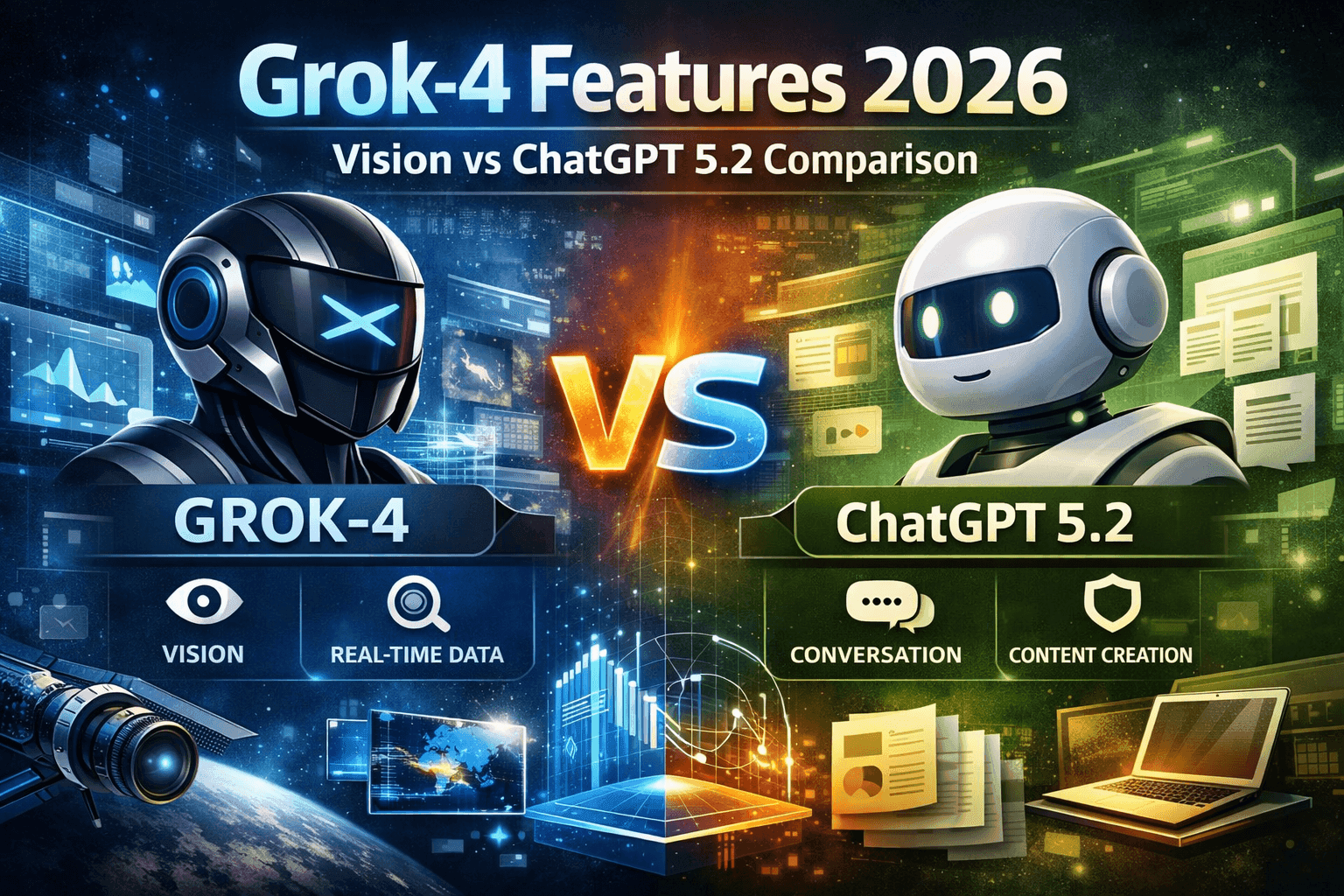
Deep dive compares Grok-4 and ChatGPT 5.2, highlighting their strengths, use cases, and differences.
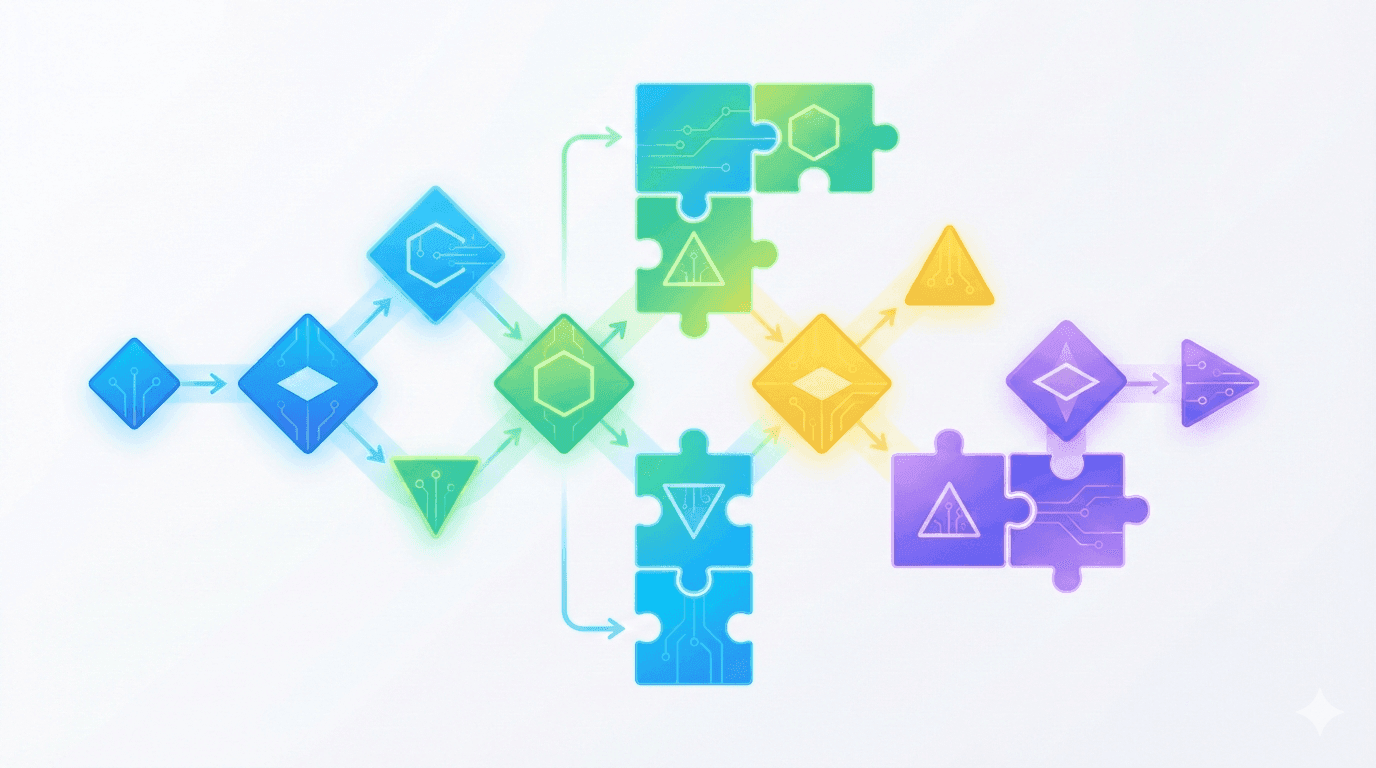
Meta prompting and step-back prompting allow AI models to collaborate, boosting reasoning and reliability in complex tasks

China Open Source LLMs: DeepSeek, Qwen & GLM Licensing Guide 2026
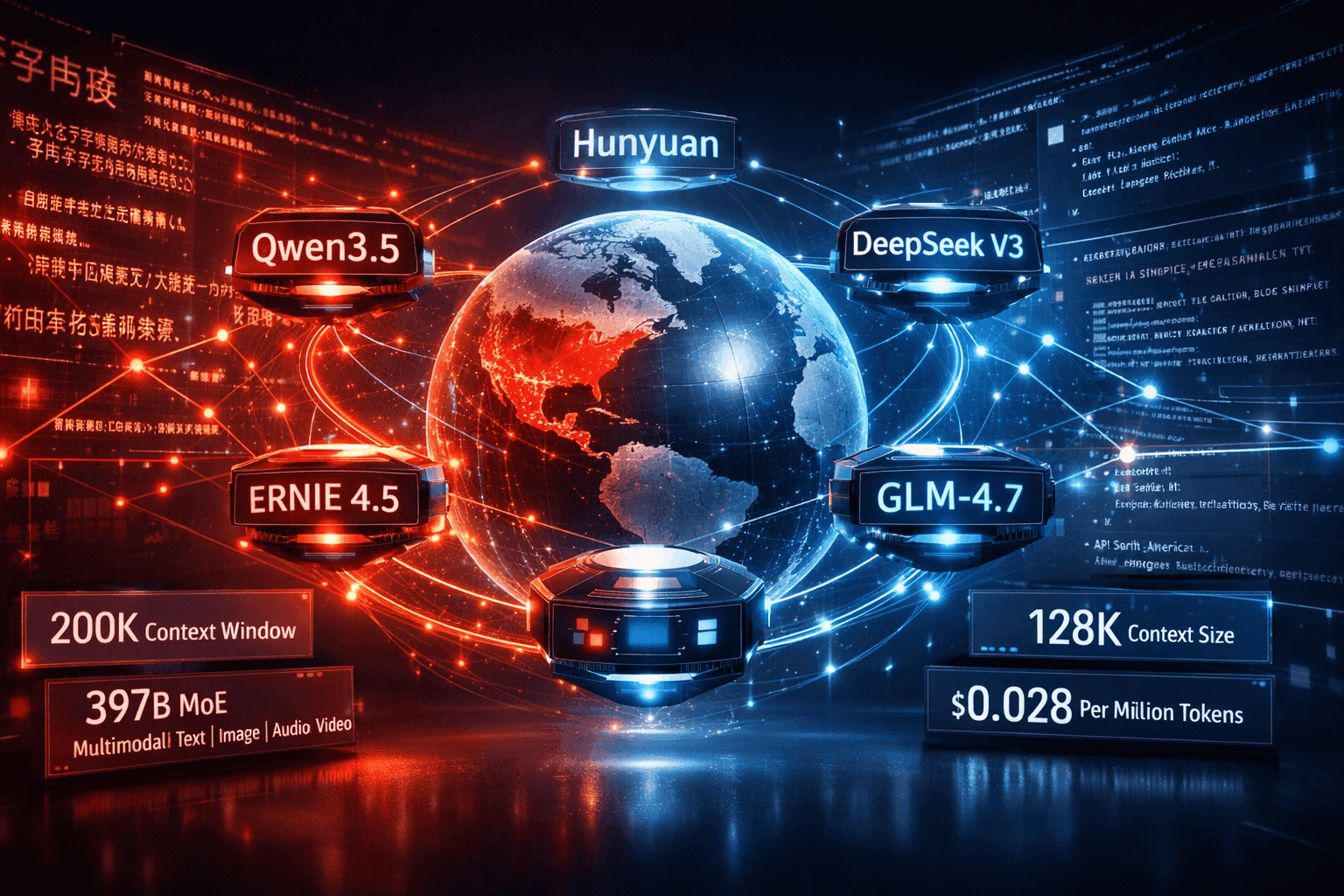
China LLMs 2026: Qwen vs DeepSeek vs ERNIE vs Hunyuan Compared

Stop collecting AI tools. Start building a system that works like a fractional employee-automate smarter, not harder.
Discover how ElevenLabs V3 enables teams to scale audio content globally with AI-powered dubbing, voice cloning, and sound effects
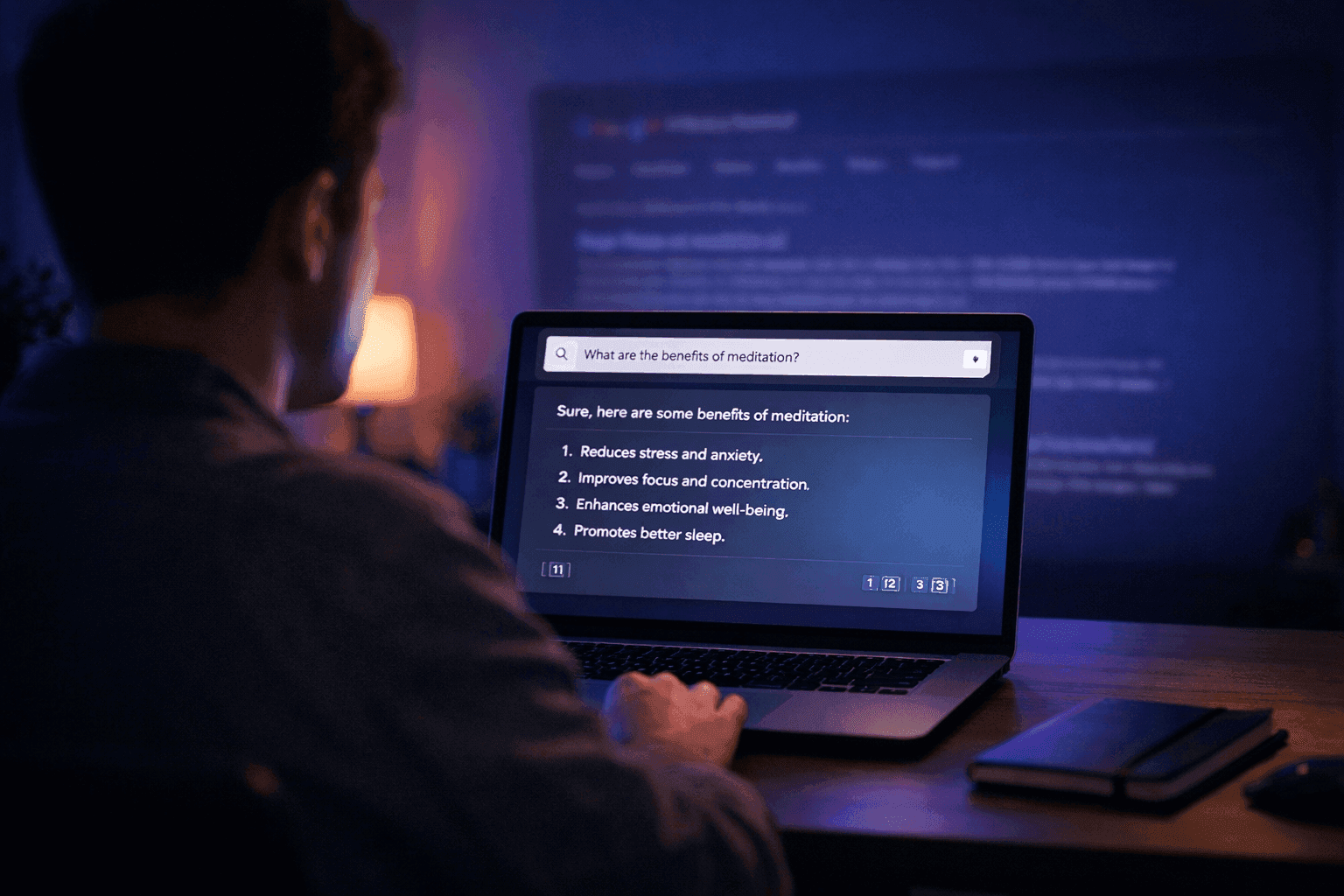
How to Use Perplexity AI: The Beginner's Guide (2026)

The Best AI Tools to Run a One-Person Business in 2026 (No Staff, No Code)
Muck Rack's 2026 journalism survey found 82% of journalists use AI, up from 77%. But concern about unchecked AI rose 8 points to 26%. Here is what the numbers mean for editorial teams.
GPT-5.4 shipped March 5, 2026 with native computer use, scoring 75% on real desktop tasks vs. 72.4% human baseline. Most people will prompt it like a chatbot. Here is how to actually get results.

WordPress.com added write access for AI agents in March 2026. After two weeks testing it for editorial drafts, it saves time on the parts you'd expect — and falls apart where it matters most.
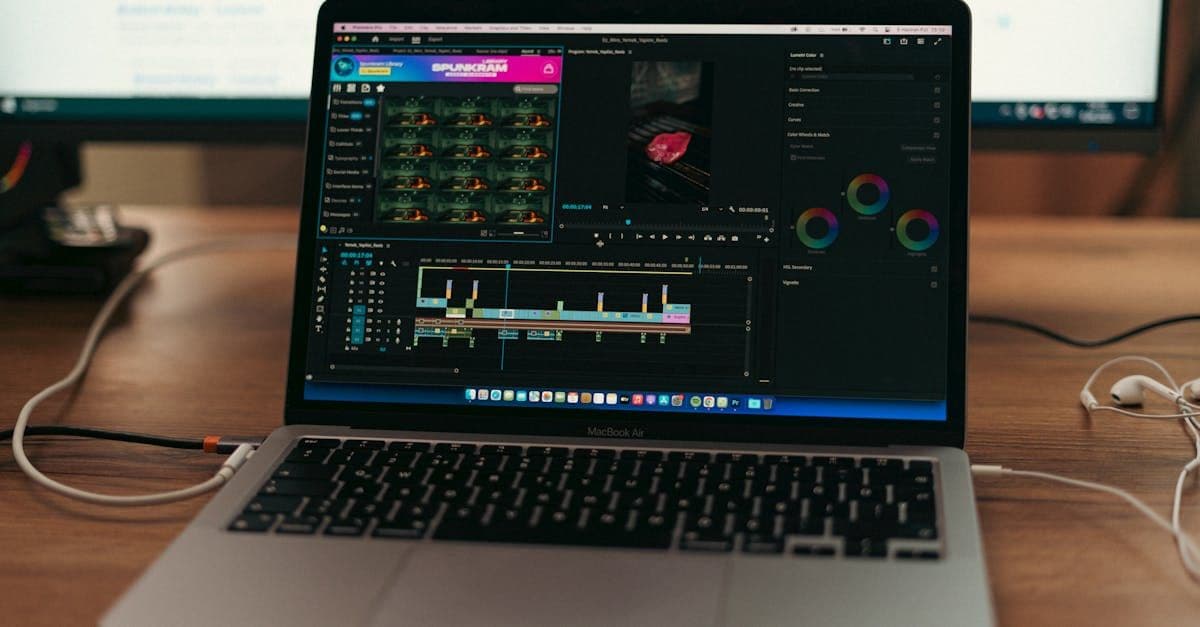
Google released two AI memory migration tools on March 26, 2026 that let you move your ChatGPT or Claude context into Gemini as persistent memory. Here’s the workflow, the copy-paste prompt, and when to skip it.
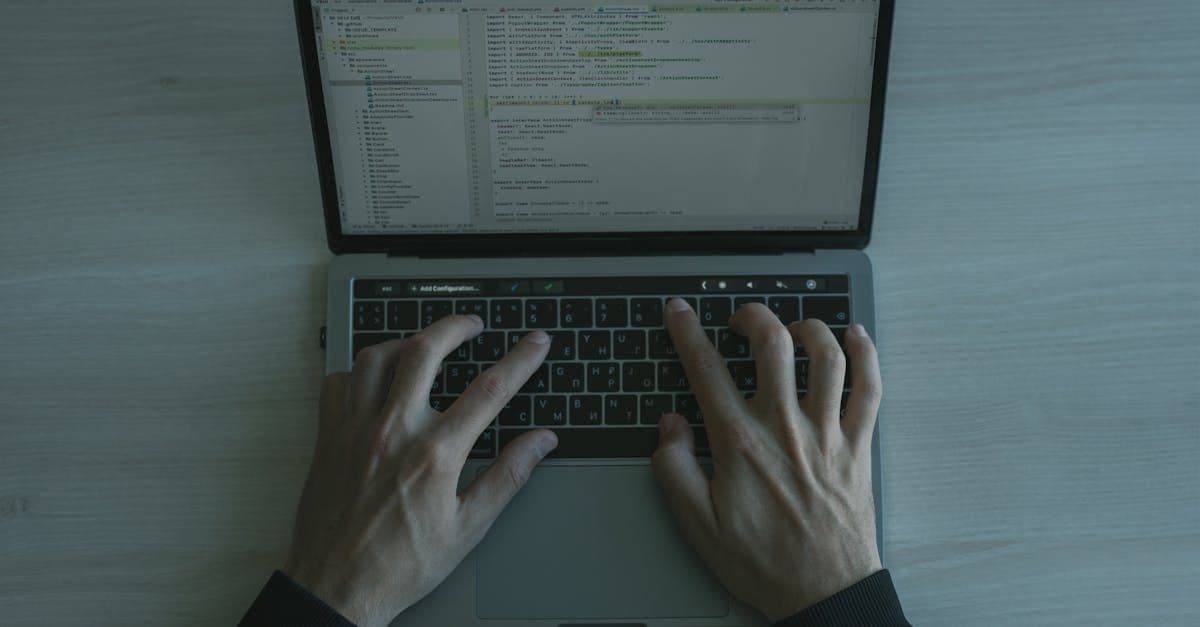
Most AI users are still doing prompt engineering in 2026. Context engineering — feeding the right information at the right time — is the upgrade your workflow needs. Two copy-paste patterns included.

The early-user problem in B2B SaaS is solved by manual work, direct relationships, and ruthless prioritization — not marketing funnels or growth hacks. The tactics are well-documented and consistently replicated....

This report's twelve most important findings, ordered by importance to a solo or small-firm reader. Each is a standalone observation; the body of the report supports each in detail.

BestAIFor Research Report — version 1.0, 11 May 2026

We evaluated 15 AI tools for property managers in 2026 — only 4 publish a price you can act on without a sales call, and one is under active U.S. antitrust litigation. Download the full report.
We hand-curated and compared 15 AI tools for property managers in 2026 across leasing, maintenance, short-term rental, and all-in-one platforms — with verified pricing, the AI-in-entry-tier check, and honest pros and cons.

*By Daniele Antoniani · Last updated May 2026*
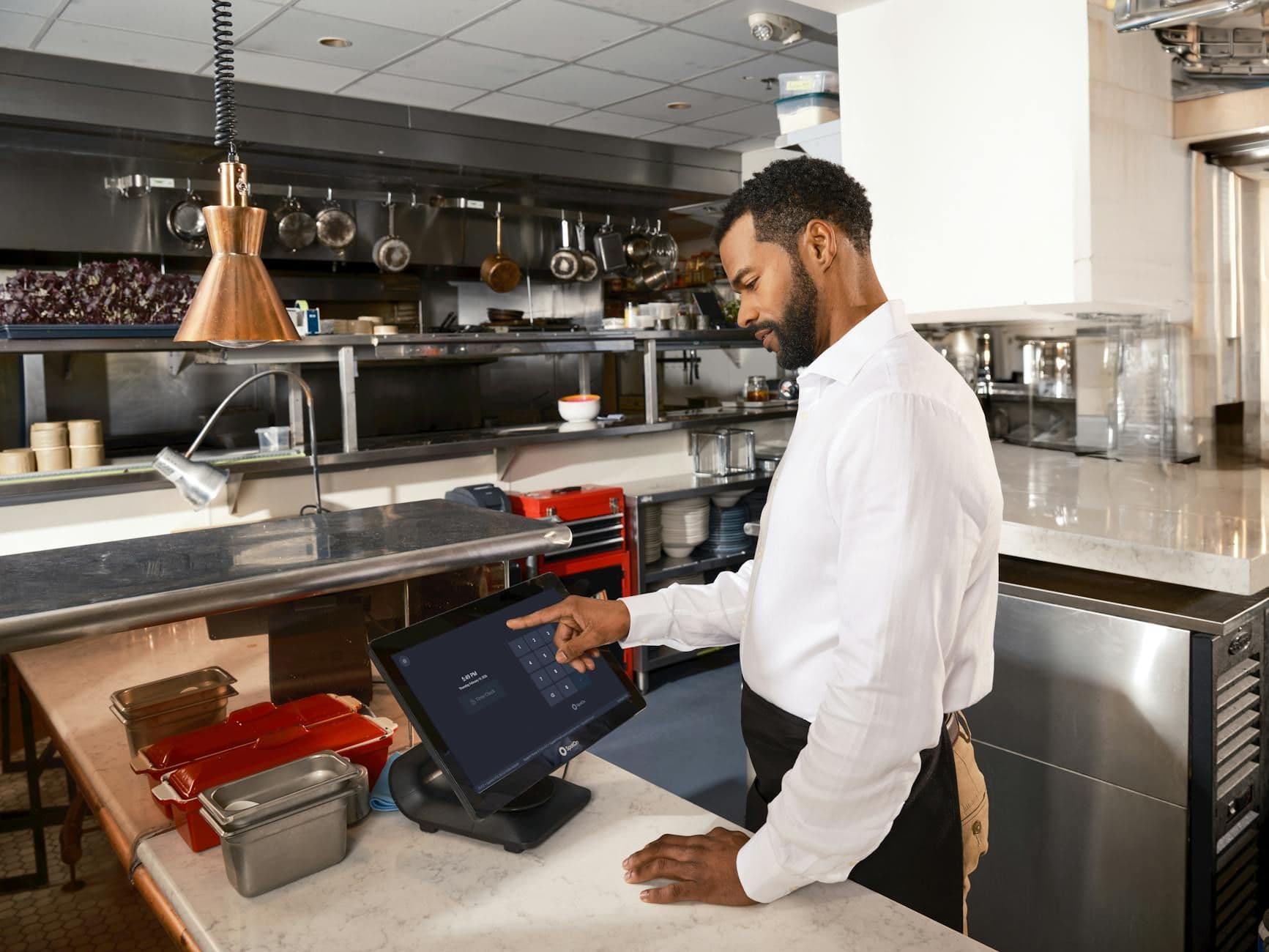
Restaurant operators face a specific kind of software sprawl problem. There's a POS for transactions, a separate scheduling tool for labor, a third platform for online ordering, and a fourth for reservations — and none of them talk to each other...

Real-time translation hardware used to be a curiosity — a crowdfunded earbud that half-worked on a good Wi-Fi day. In 2026 it's a real category, and the prices now run from about $23 to $699. We looked at 11 devices: 9 wearable earbuds and 2...

A typical small-animal vet writes SOAP notes for two to three hours of every clinical day. That's the bottleneck the AI vendors are aiming at — and in the last twelve months, the wedge has widened from a single category (the scribe) to five: AI...
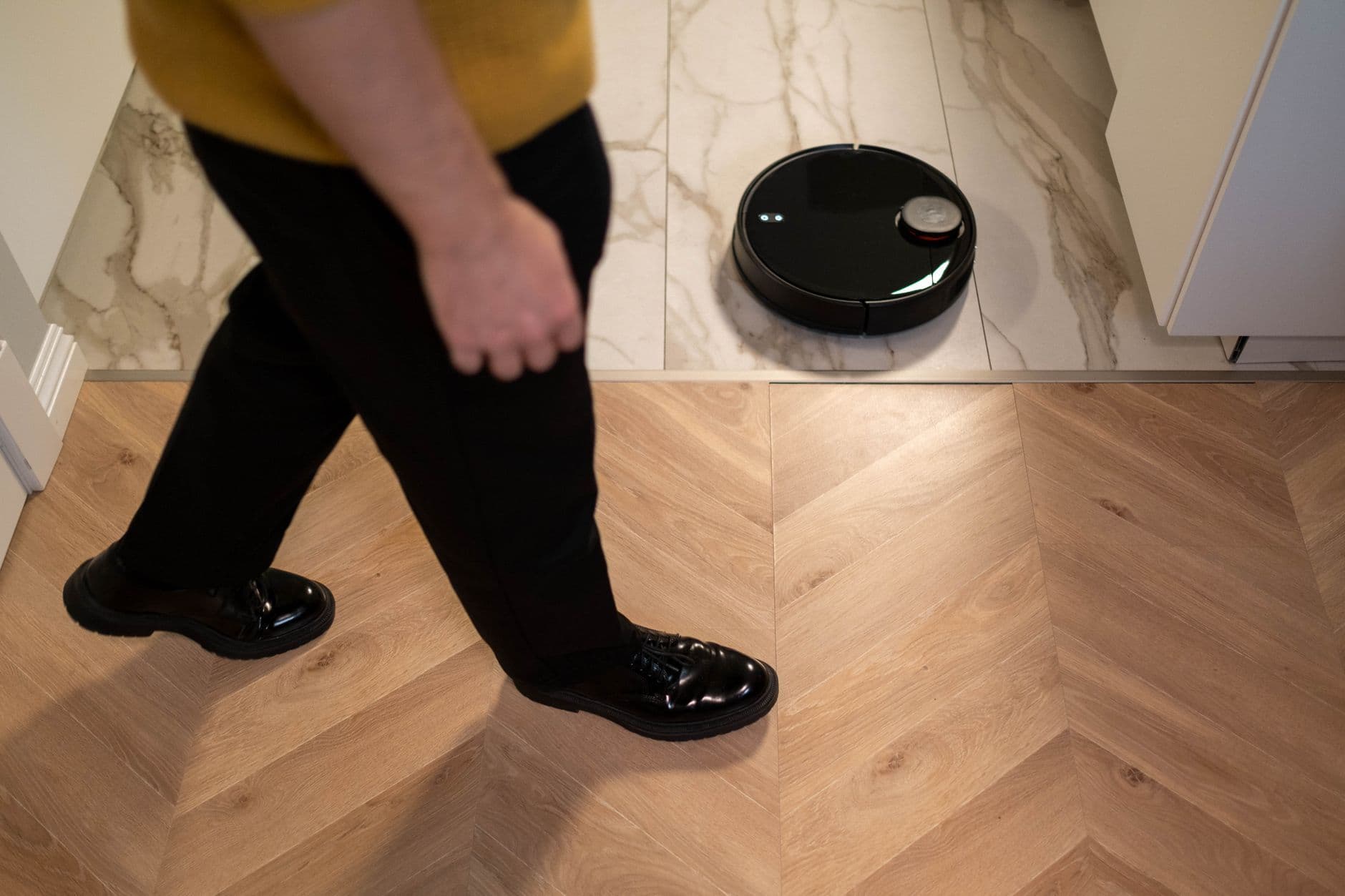
A home robot is a piece of capital equipment that runs every day, breaks in ways you can't easily fix, and quietly maps the inside of your house. That's the frame I'd start with, not the spec sheet. The interesting question in 2026 isn't...
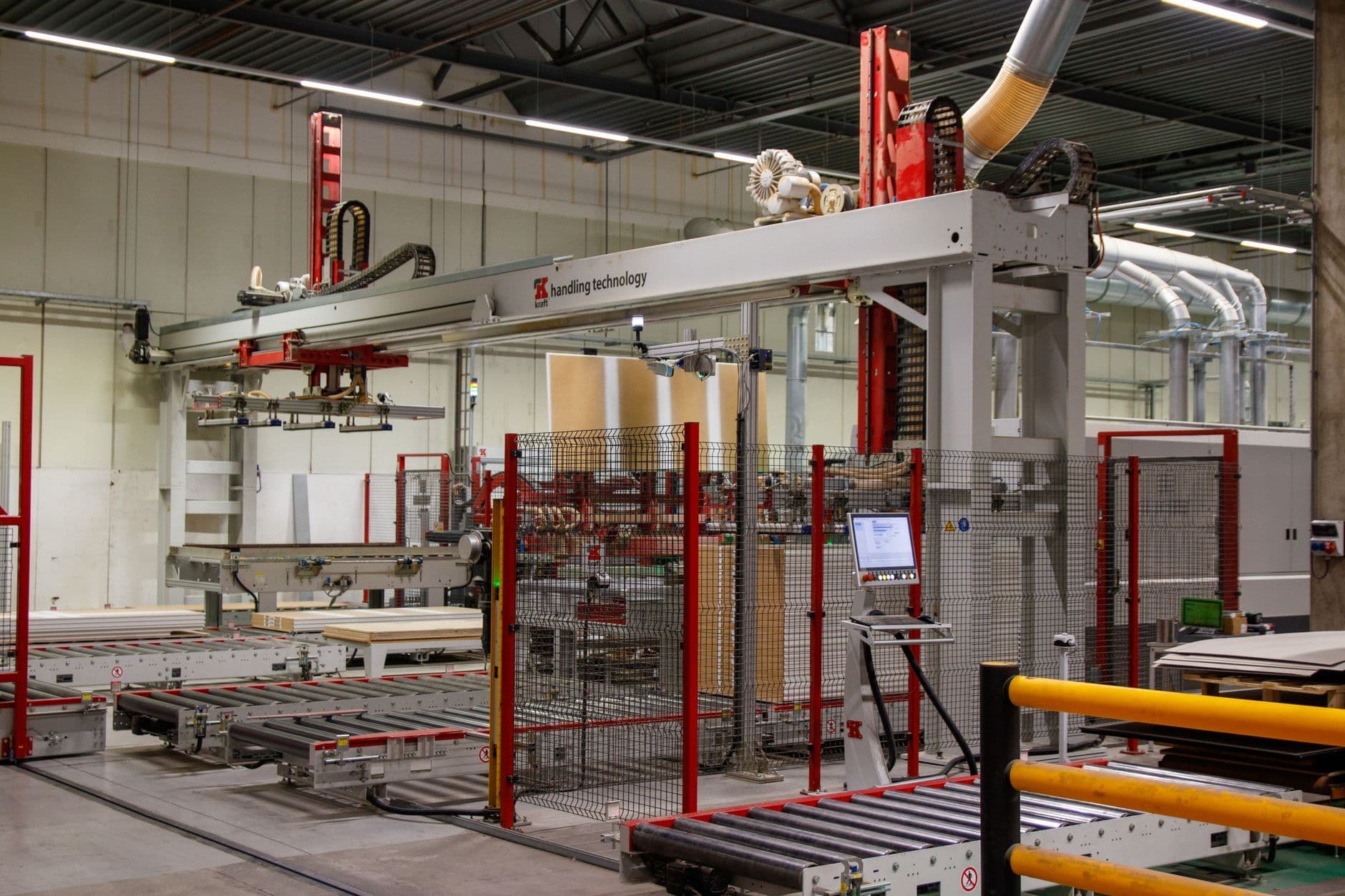
The 15 Asian AI×IoT vendors that matter for edge manufacturing in 2026, mapped by stack layer, pricing reality, and the operator's job each one solves.

The two platforms in this category that market hardest on artificial intelligence have no independent reviews at all.

Here's something odd about this market. A single click on "endpoint management software" costs an advertiser $371.37. That's not a typo, and it's not an outlier — "PSA software" runs $153.74 and "help desk software" $120.24. For comparison, we...

An investor managing 12 active SaaS portfolio companies surfaced a question circulating in startup communities: how do you track competitors at scale without a full-time analyst at every company? The tooling to solve...
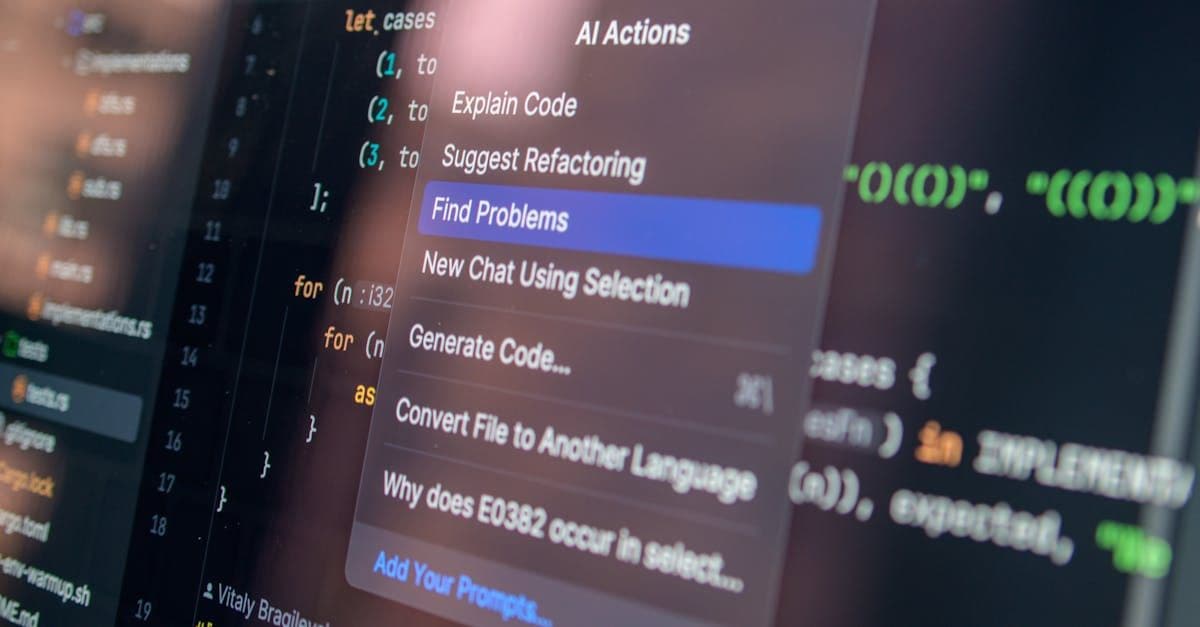
Combining multiple AI coding tools into a unified workflow is delivering measurable productivity gains for developers who get the configuration right. The efficiency argument is real — but the integration overhead is...