 BestAIFor
ChatGPT vs DeepSeek: Which Free AI for Beginners is Smarter?
ChatGPT and DeepSeek are two leading free AIs for beginners. This guide compares their features, writing skills, and ease of use to help you choose.
January 20, 2026•8 min read
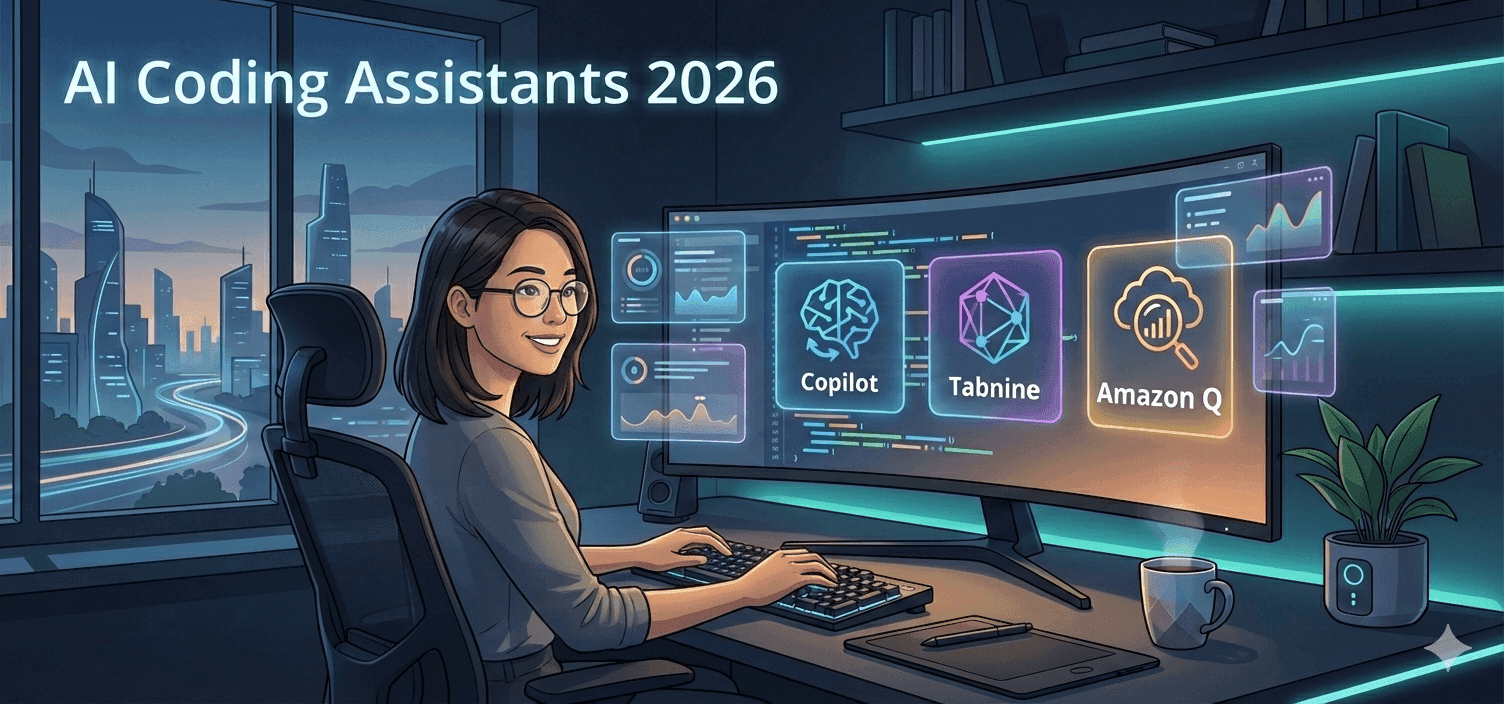
An AI coding assistant is a developer AI tool that runs in or alongside your IDE, editor, or cloud dev environment to suggest code, explain code, generate tests, refactor, and sometimes act as an agent that edits multiple files or repositories based on natural language instructions.
Modern AI coding tools go far beyond autocomplete:
When comparing AI coding assistants in 2026, think in terms of three primary levers, not brand names:
Speed (developer experience)
Control (data, deployment, customization)
Enterprise readiness (governance and compliance)
Most tools can tick all three boxes to some degree, but each optimizes for a different corner of this triangle.
This is a simplified comparison for 2026 based on public positioning and common deployment patterns. Details vary by plan and configuration, so treat this as directional, not contractual.
| Dimension | GitHub Copilot | Tabnine | Amazon Q (Developer) |
|---|---|---|---|
| Primary focus | Fast, in-IDE code generation and chat | Privacy-first, configurable AI coding assistant | Enterprise assistant tightly integrated with AWS |
| Speed feel (typical) | Very fast suggestions in common stacks | Fast, especially in local/self-hosted setups | Fast within AWS workflows; may feel heavier for general |
| Data control | Cloud-based; config options for training usage | Local / self-hosted / cloud deployments available | Runs in AWS; strong controls for AWS-centric workloads |
| Enterprise controls | Org policies, admin controls via GitHub | Team models, deployment flexibility, access control | Deep AWS identity, logging, and governance integration |
| Best environment | Teams on GitHub + VS Code/JetBrains | Privacy-sensitive orgs, polyglot teams | Enterprises building mainly on AWS |
| Typical trade-off | Less deployment flexibility than self-hosted | Slightly more setup; UX may feel less magical | Strong AWS experience, less ideal if you’re multi-cloud |
Best fit:
Strengths (in practice):
Common pitfalls:
Best fit:
Strengths:
Trade-offs:
Best fit:
Strengths:
Trade-offs:
Official product pages (for plan and deployment specifics):
| Use case / context | Recommended tool type |
|---|---|
| Solo dev building SaaS or side projects | Cloud IDE copilot with strong inline suggestions |
| Early-stage startup, tight timelines | Cloud assistant + chat, minimal setup, GitHub-native |
| Regulated industry, strict IP rules | Self-hosted / on-prem AI coding tools |
| Large enterprise, AWS-centric | AWS-integrated assistant (for example, Amazon Q) |
| Large enterprise, mixed stacks, hybrid | Mix: self-hosted assistant + cloud chat for exploration |
| Security-focused SDLC | Coding assistant + AI-aware SAST / code governance |
Most vendors now claim enterprise-ready. In practice, validate specifics.
If a vendor hand-waves any of these, assume extra time in security review or a potential no from compliance.
Most teams underuse AI coding assistants by treating them as autocomplete++. The real leverage comes from workflow design.
There are situations where turning the assistant off is the responsible move.
A good rule: AI can accelerate you in the direction you’re already going. If you’re unsure of the direction, slow down, don’t speed up.
Define goals and constraints.
Decide what you care about most: time-to-ship, defect rates, security posture, developer happiness, or some mix.
Shortlist by environment and governance.
Filter out tools that don’t support your IDEs, Git host, language stacks, and compliance needs.
Run a focused pilot.
Codify usage policies.
Roll out with guardrails.
In 2026, the gap between AI coding assistants is less about raw model intelligence and more about fit:
The winning strategy is rarely pick one tool and be done. It’s more often a portfolio: a fast SaaS copilot for everyday work, a more controlled assistant for sensitive repos, and governance practices that keep AI-generated code inside your quality and security boundaries.
They can generate high-quality code, but not consistently enough to skip review. Treat them like a strong junior engineer: very helpful, occasionally overconfident. You still need tests, code review, and security checks before shipping.
No. Copilot generally feels more magical in mainstream stacks and GitHub-centric workflows. Tabnine is often a better fit where privacy, self-hosting, or strict IP rules matter more than a slightly better suggestion in React or Python.
Amazon Q Developer makes the most sense when your application, infrastructure, and operations live primarily in AWS. It can reason across AWS services, IaC, and your codebase in a way a generic assistant typically can’t match.
They can, depending on configuration and vendor architecture. Risks include logging of prompts, training on your private repos, or misconfigured access scopes. Always review a vendor’s data handling docs, opt-out options, and deployment models before enabling on sensitive code.
Look beyond LOC or commits. Track: cycle time (idea to merged PR), defect rates, time spent on boilerplate vs core work, and developer satisfaction. Run a time-boxed pilot comparing similar tasks with and without the assistant.
Yes, but with structure. Use assistants for exploration, examples, and boilerplate, while requiring juniors to explain any AI-generated code in review. Avoid letting them outsource fundamentals like data structures or basic language constructs entirely to the tool.
ChatGPT and DeepSeek are two leading free AIs for beginners. This guide compares their features, writing skills, and ease of use to help you choose.

Master advanced prompting techniques 2026 like Chain-of-Thought and Self-Ask to get better results from ChatGPT, Grok, and Gemini.

In 2026, mainstream content creators and new AI adopters have powerful AI video tools at their fingertips.
A beginner-friendly Midjourney review that explains how it works, how to prompt well, and how it compares to top alternatives.

A beginner friendly Hypotenuse AI review that explains what it does, how to use it, and when it beats general AI chat tools
LongShot AI is a specialized AI writing assistant built for long form, SEO friendly content with research and credibility tools.

DoNotPay popularized the idea of a robot lawyer for everyday problems like tickets, refunds, and forms.

Google Cloud now offers free access to advanced AI tools like Imagen, Speech-to-Text, enabling rich research and coding applications

Stop collecting AI tools. Start building a system that works like a fractional employee-automate smarter, not harder.
Discover how ElevenLabs V3 enables teams to scale audio content globally with AI-powered dubbing, voice cloning, and sound effects

How to Use Perplexity AI: The Beginner's Guide (2026)

GPT-5.4 shipped March 5, 2026 with native computer use, scoring 75% on real desktop tasks vs. 72.4% human baseline. Most people will prompt it like a chatbot. Here is how to actually get results.

Z.ai’s GLM-5 scores 77.8% on SWE-bench Verified and 62.0 on BrowseComp, nearly doubling Claude Opus 4.5’s 37.0. First open-weights model above 50 on the Artificial Analysis Intelligence Index.

WordPress.com added write access for AI agents in March 2026. After two weeks testing it for editorial drafts, it saves time on the parts you'd expect — and falls apart where it matters most.

Google released two AI memory migration tools on March 26, 2026 that let you move your ChatGPT or Claude context into Gemini as persistent memory. Here’s the workflow, the copy-paste prompt, and when to skip it.

Most AI users are still doing prompt engineering in 2026. Context engineering — feeding the right information at the right time — is the upgrade your workflow needs. Two copy-paste patterns included.

The early-user problem in B2B SaaS is solved by manual work, direct relationships, and ruthless prioritization — not marketing funnels or growth hacks. The tactics are well-documented and consistently replicated....